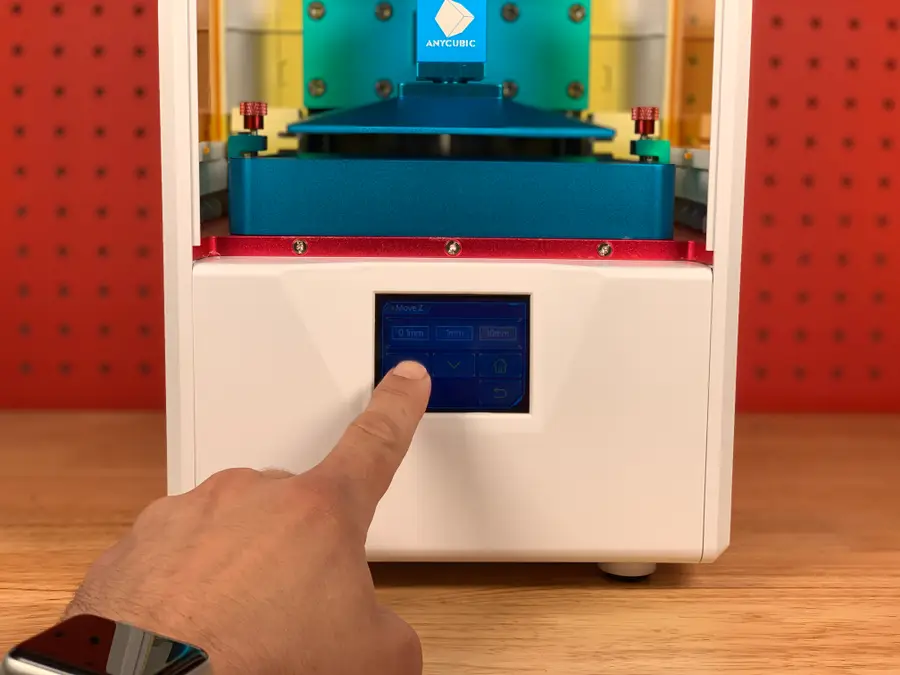
Anycubic Photon Printing
1
Level the printer
How to Level the Bed on the Anycubic Photon or Photon S
2
Download the slicing software
3
Configure your machine
Add New PrinterAnyCubic PhotonAnyCubic Photon-s
4
Configure your resin
Settings > PrintLight-off DelayBottom Light-off DelayOff time
5
Choose and import your model
6
Optional: Hollow the model and add drain holes
HollowDig Hole
7
Slice the model
Slice
.photons8
Don your safety gear
9
Add your resin
Shake the resin bottle for 5-10 seconds.don’t
10
Load and start the print
only
.photonsPrint11
Post-processing
12
Clean the machine
Reusing excess resin
13