Resize Image In Indesign
1
Easy method: click and drag
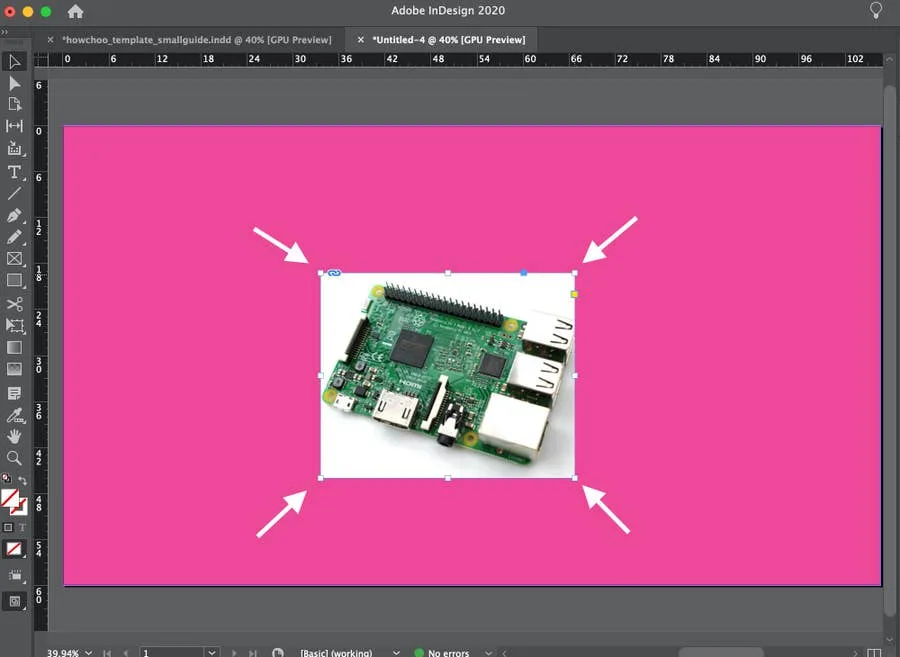
- Select the image by clicking it.
- Click and drag any corner of the image frame to resize.
2
Precise method: manually resize image
- Select the image you want to resize
- In the Transform toolbar of the Properties screen (see below), select the point of reference using the tic-tac-toe-like grid on the left. This affects how the image will resize (in which direction).
- From here, you can change the image’s width, height, and X/Y coordinates.
How to Change Pixels to Inches in InDesign