Att Router Login
1
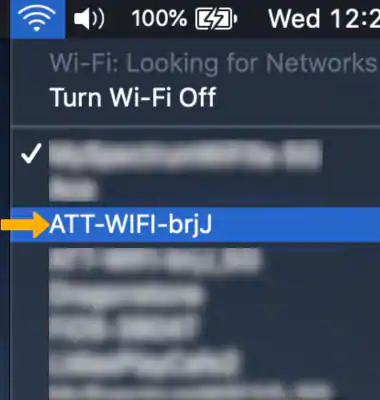
Make sure you’re connected to your AT&T router’s network
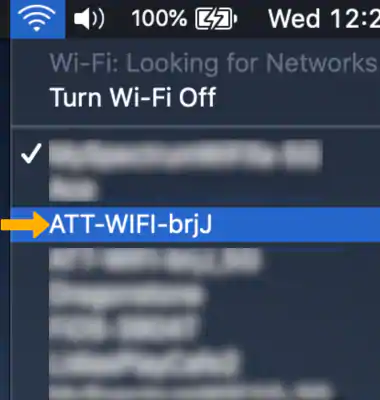
Make sure that you’re connected to your AT&T network either via WiFi or ethernet. (Hint: if you’re able to visit this website over your AT&T network, then you’re connected.)
2
Open a browser and go to 192.168.1.254
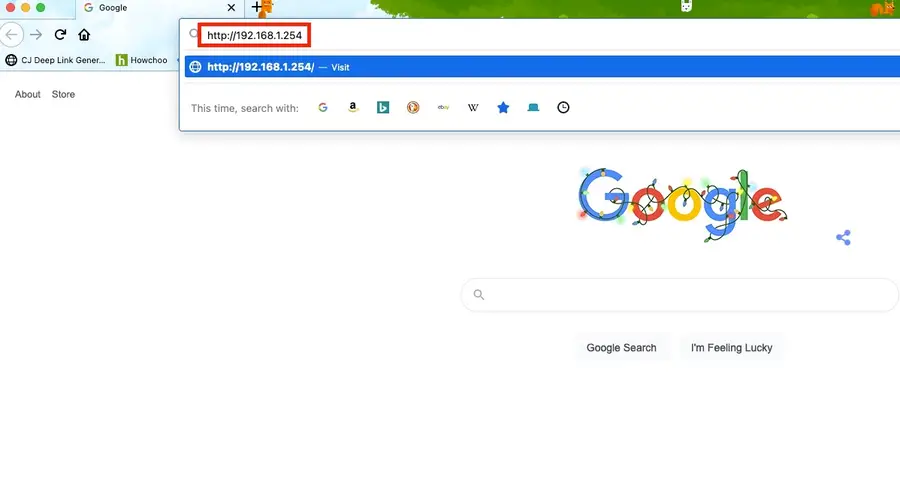
Or click here: http://192.168.1.254.
As long as you are connected to your network, then you will not be asked for a password.
If you’re asked for a password when logging into AT&T Router
- Try leaving the page blank and hitting enter.
If that does not work:
- Your default username (if you haven’t made any changes) will be admin.
- Try leaving the password field blank.
If that did not work: – Your password can be found on the sticker on the side of your AT&T router and/or modem. – Use that password with the admin username. – If you still can not find the password, then you’ll need to contact AT&T for help logging into your router.