Vs Code Move Search To Bottom
1
Launch VSCode
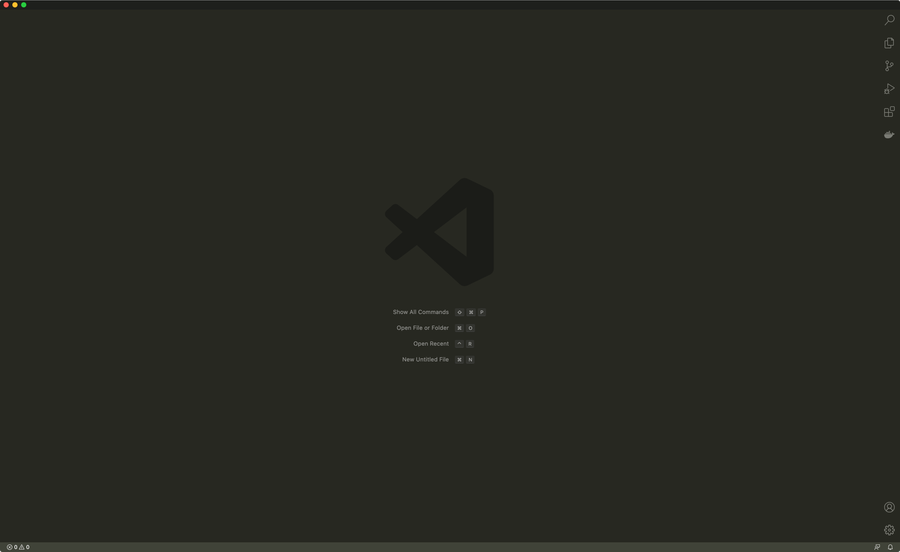
Obviously, you’ll need to open VSCode.
2
Show the Panel
Show the [bottom] panel by navigating to View > Appearance > Show Panel.
3
Drag the search icon to the bottom panel
From the right sidebar, drag the search icon into the header area of the bottom panel. A | pipe character will indicate its final position. I chose to move it all the way to the left.
4
VS Code search is now at the bottom!
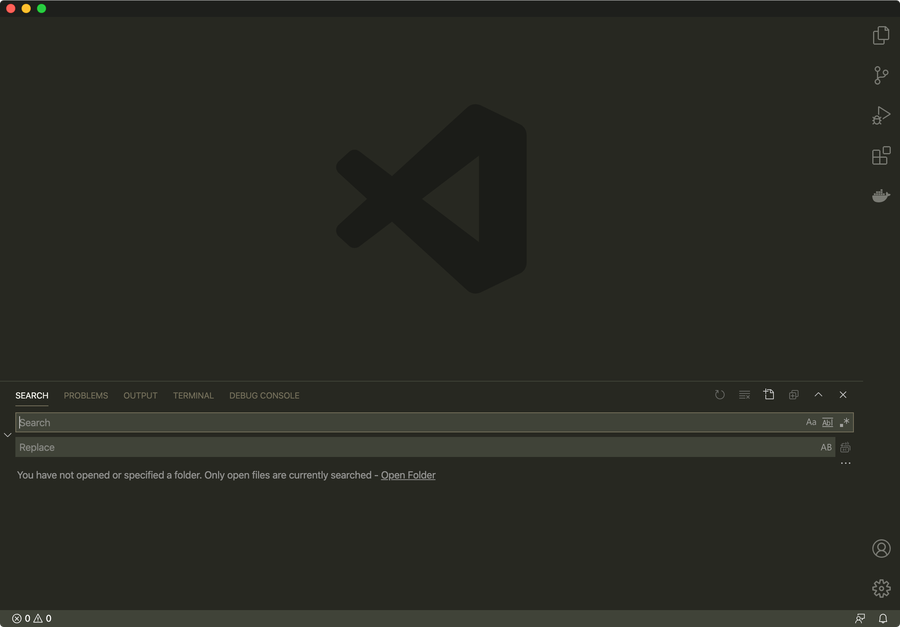
As you can see the search pane is now at the bottom of the VS Code window, where it will stay until the devs decide to change this again. If that happens, I’ll update this guide—so feel free to bookmark or favorite it.