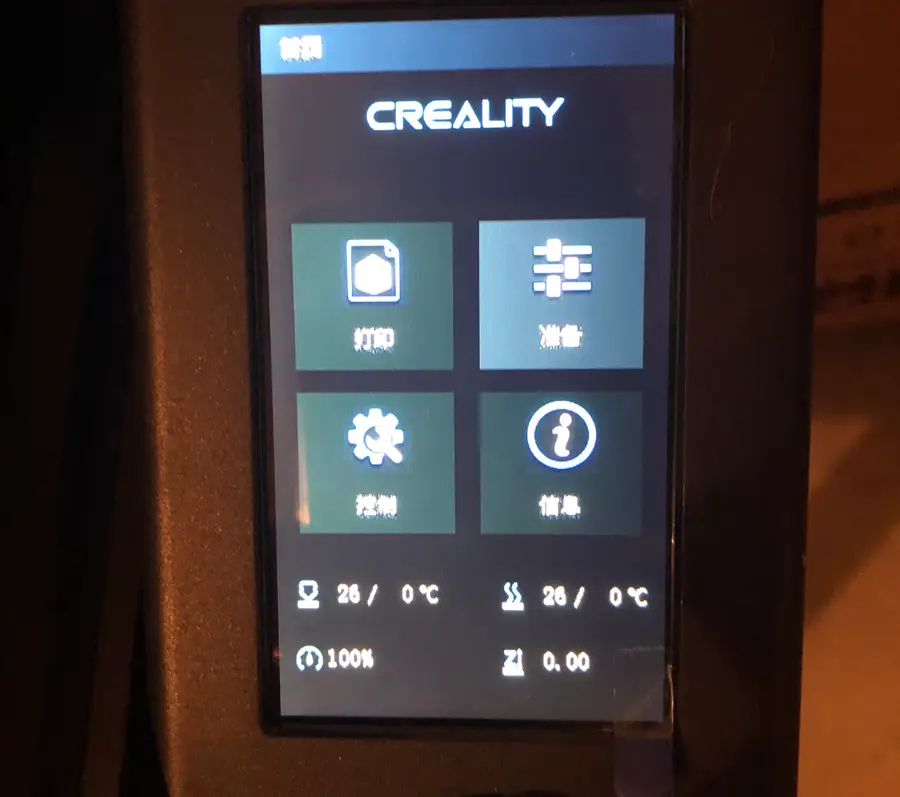
Change Language On Ender 3 V2 1
1
Select “Prepare” (准 留)
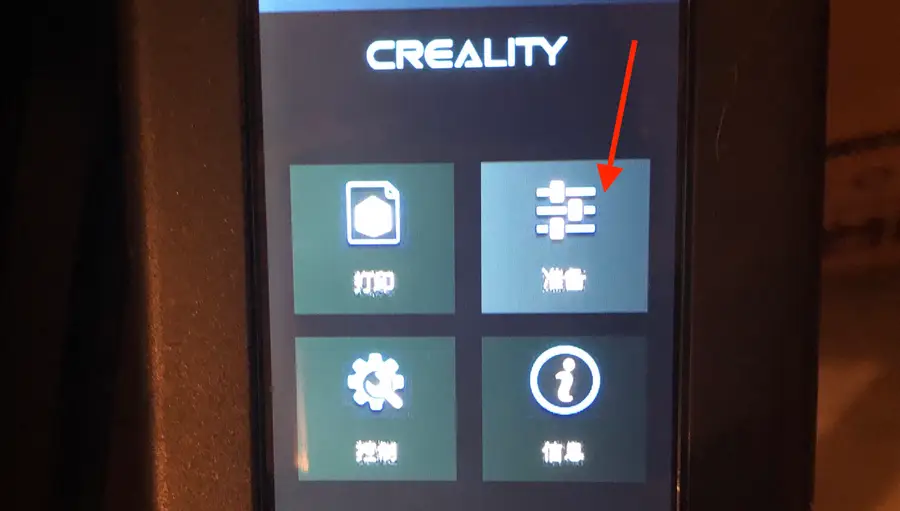
- Using the selection knob, rotate until the top-right selection lights up. The image looks like three horizontal dials. The Chinese characters look like this: 准 留.
- Press down on the knob to select it.
2
Select “Language Selection” (诣 肖)
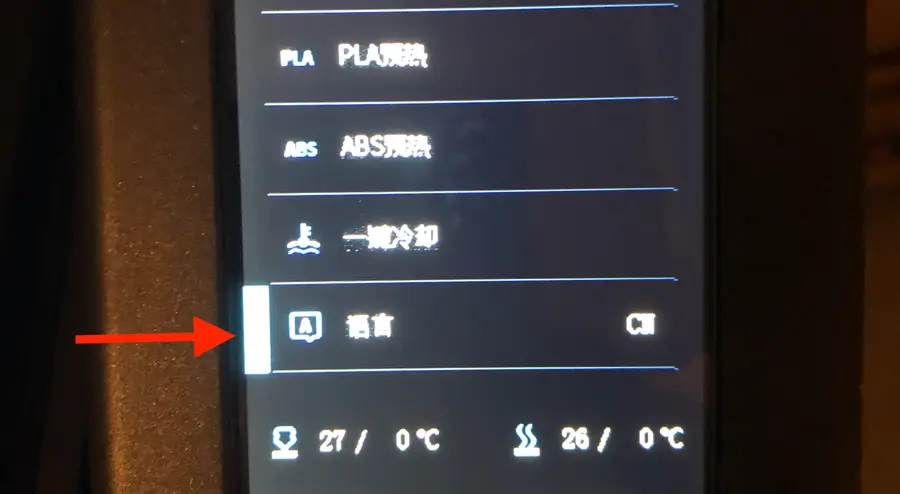
- Use the selection knob to scroll to the bottom where you’ll see the “Language Selection” tool. The Chinese characters look like this: 诣肖.
- Press down on the knob to change the text to English.