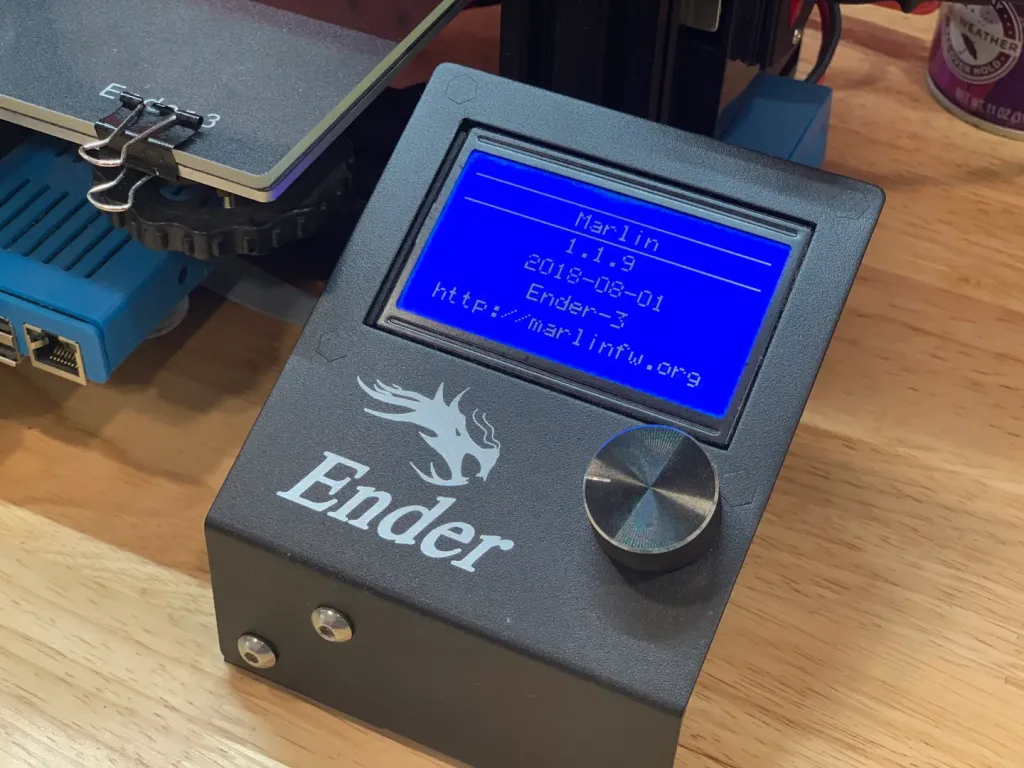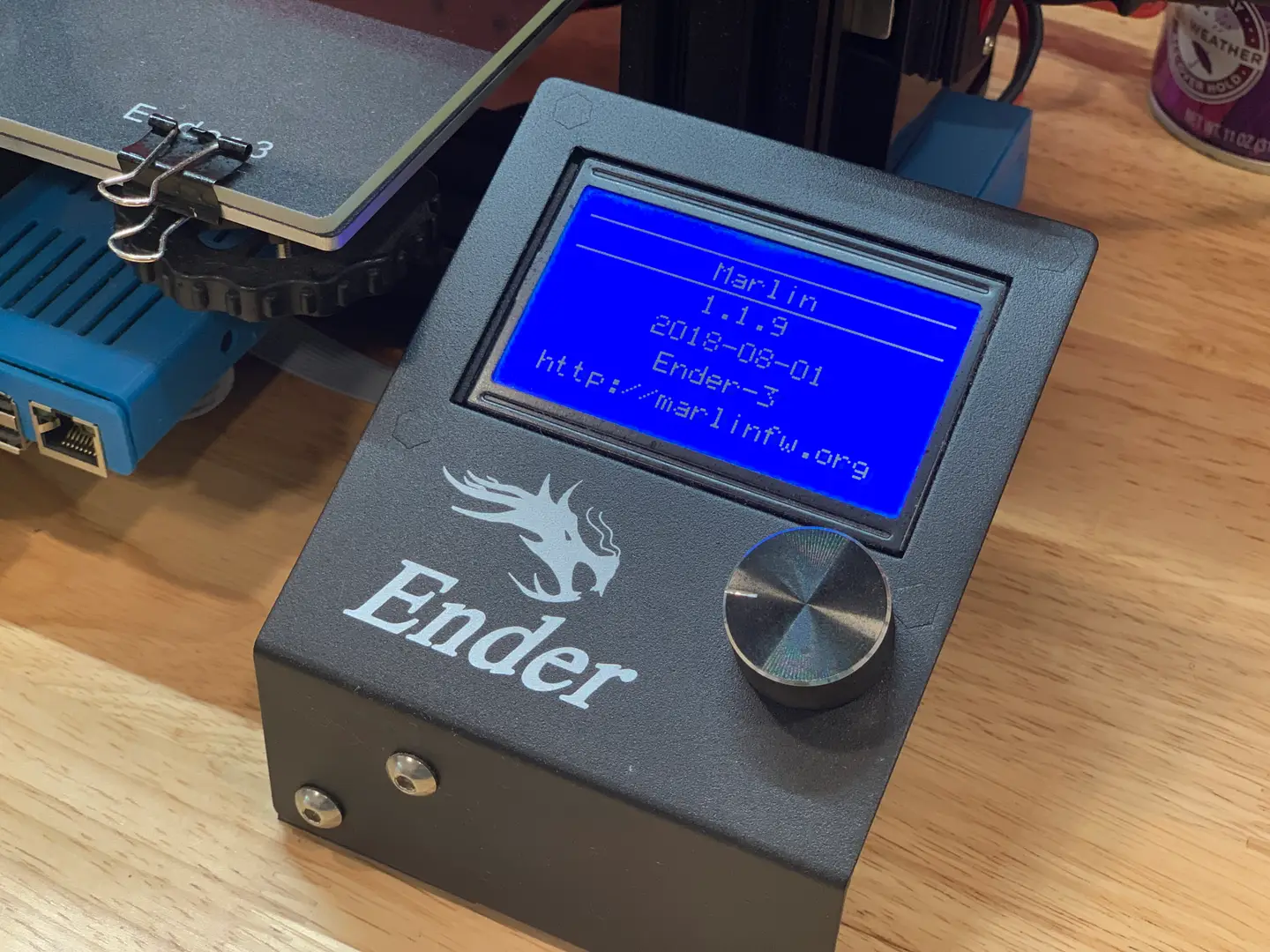
Ender 3 Bootloader Firmware Update Marlin
1
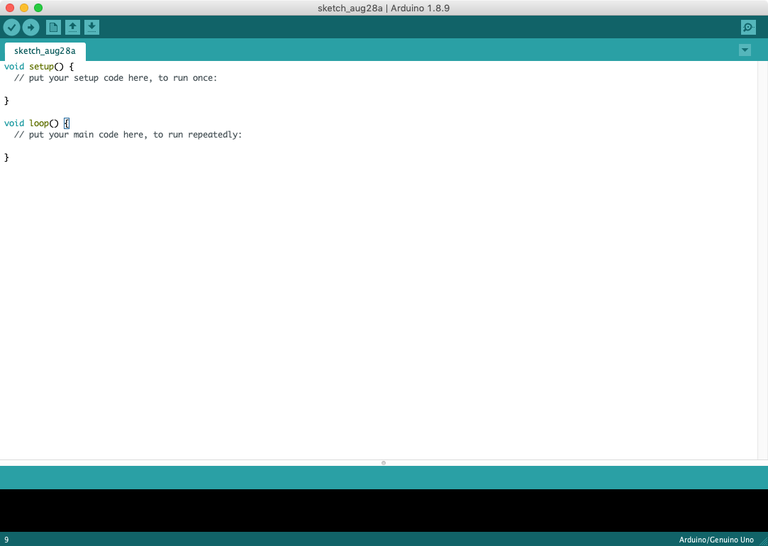
Download and install the Arduino IDE
2
Add the U8glib library
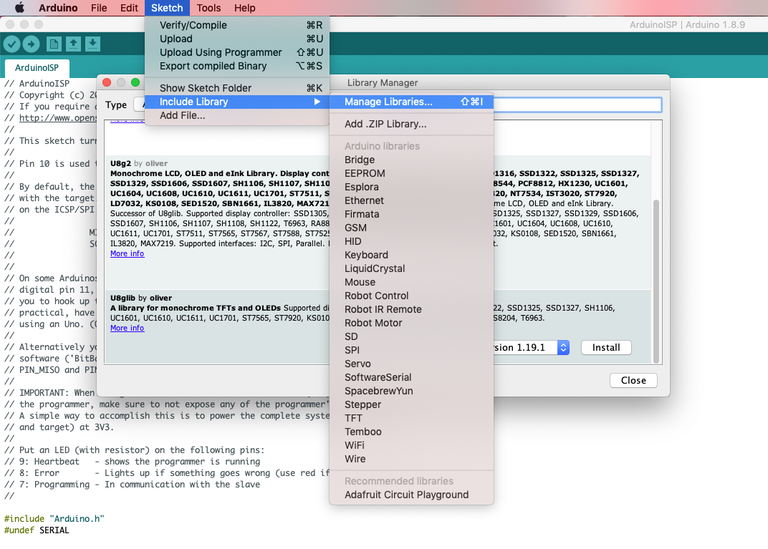
File > ExamplesExample SketchesArduino ISPManage LibrariesU8glib
3
Install the Sanguino board
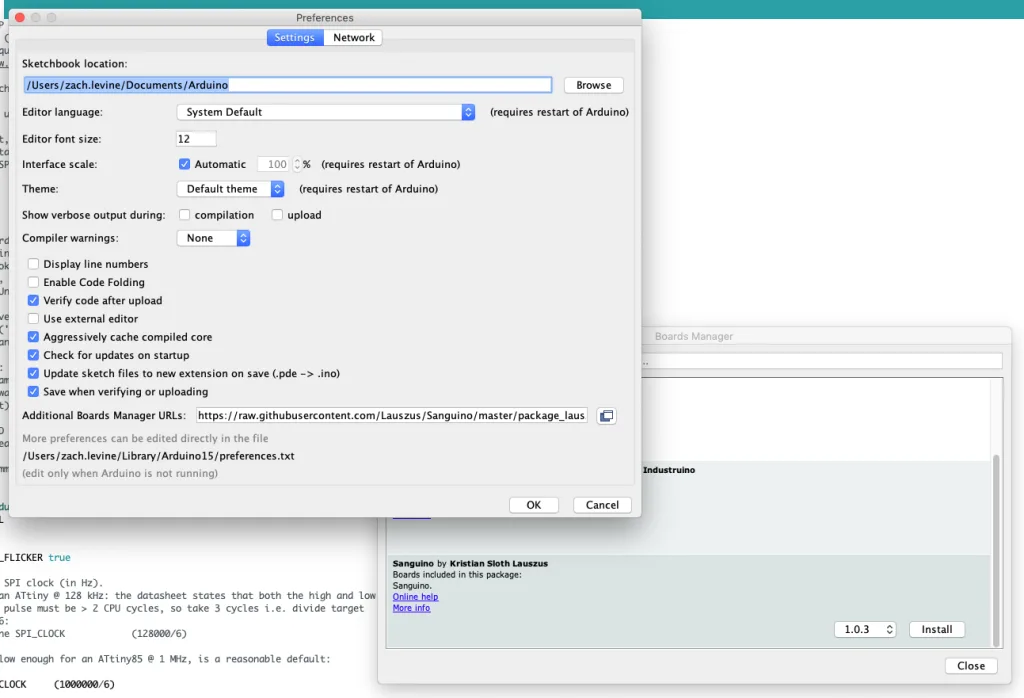
the Sanguino boardArduino PreferencesAdditional Boards Manager URLs
https://raw.githubusercontent.com/Lauszus/Sanguino/master/package_lauszus_sanguino_index.json4
Upload the sketch to your Arduino Uno
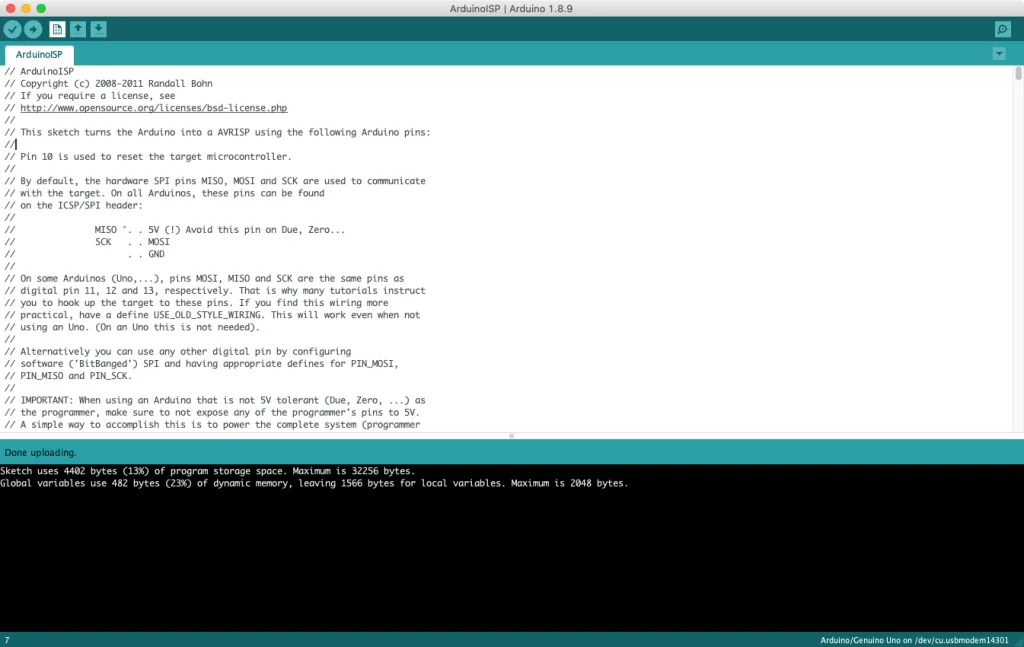
ToolsArduino UnoArduino UnoCOMUploadArduino ISP
5
Connect the Arduino to your Ender 3
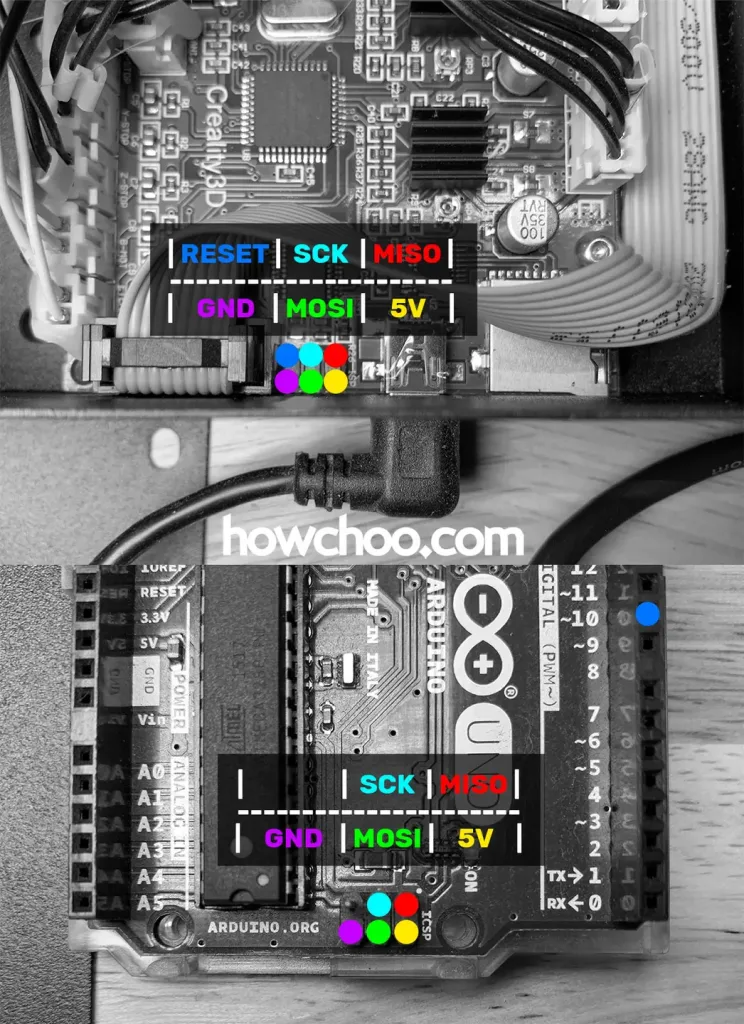
Arduino Ender 3 bootloader connections
Matching up the pins
RESETEnder 3 Arduino wiring diagram6
Burn the bootloader
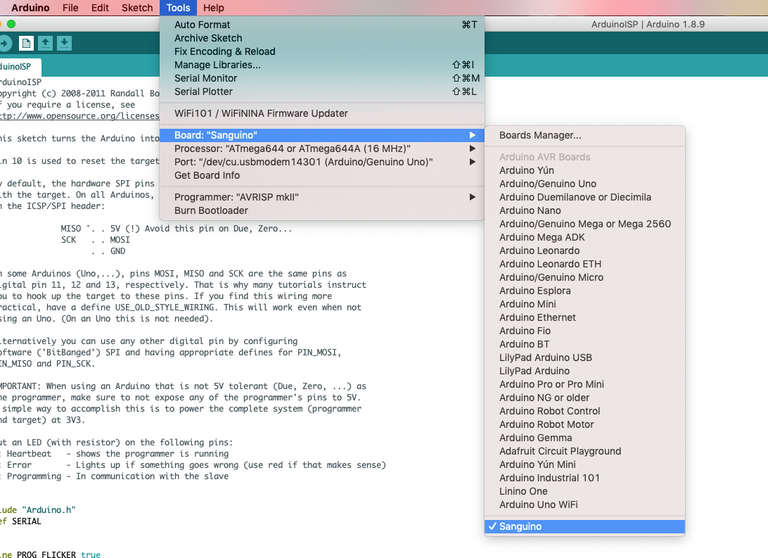
SanguinoToolsProgrammerAVRISP mkIIArduino as ISPBurn bootloader“Output bootloader burned successfully”
Troubleshooting
- Double-check your settings and connections
- Swap out your jumper wires in case yours are defective
- Make sure you downloaded the Arduino IDE directly from the Arduino website (not the Windows store)
- If you see an error such as the one below (especially if you’re running macOS), try installing the TH3D United Firmware Package and running the included preconfigured Arduino IDE instead of the normal Arduino IDE. Then, select Sanguino (1284P Boards) as the board. If you’re using a Mac, don’t forget to follow the Mac setup instructions for the TH3D Arduino IDE.
avrdude: stk500_getparm(): (a) protocol error, expect=0x14, resp=0x14

avrdude: stk500_getparm(): (a) protocol error, expect=0x14, resp=0x01
avrdude: stk500_initialize(): (a) protocol error, expect=0x14, resp=0x10
avrdude: initialization failed, rc=-1
         Double check connections and try again, or use -F to override
         this check.

avrdude: stk500_disable(): unknown response=0x12
Error while burning bootloader.
7
Download and prepare the latest Marlin firmware
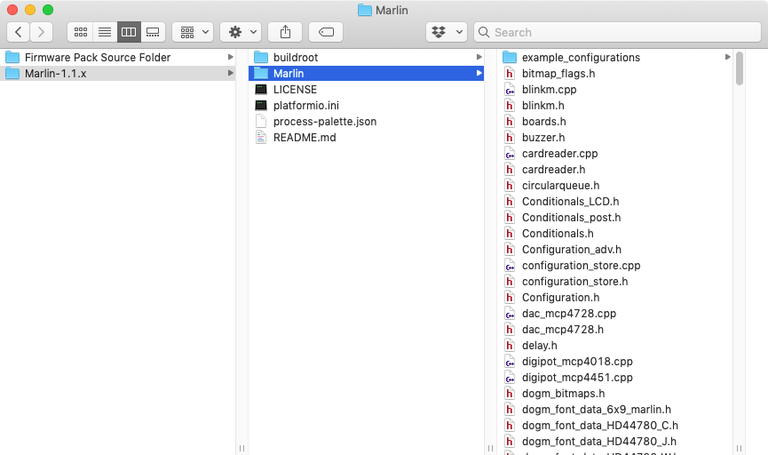
8
Connect and transfer the firmware
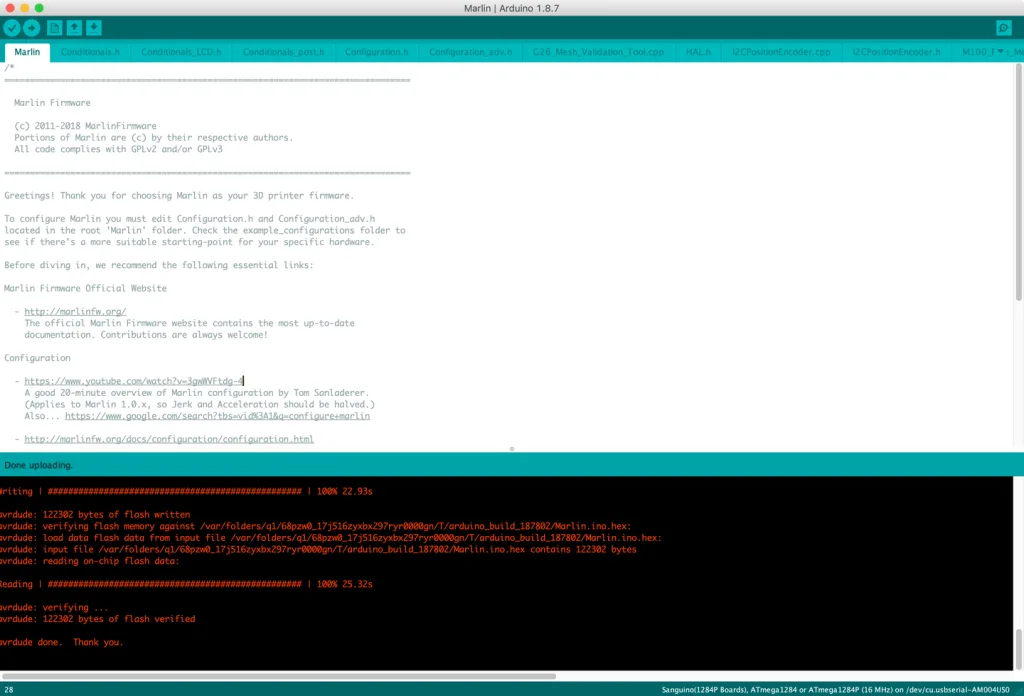
File > Open
Marlin.inoSanguinoSanguino (1284P Boards)Arduino as ISPUpload9
Wrapping up