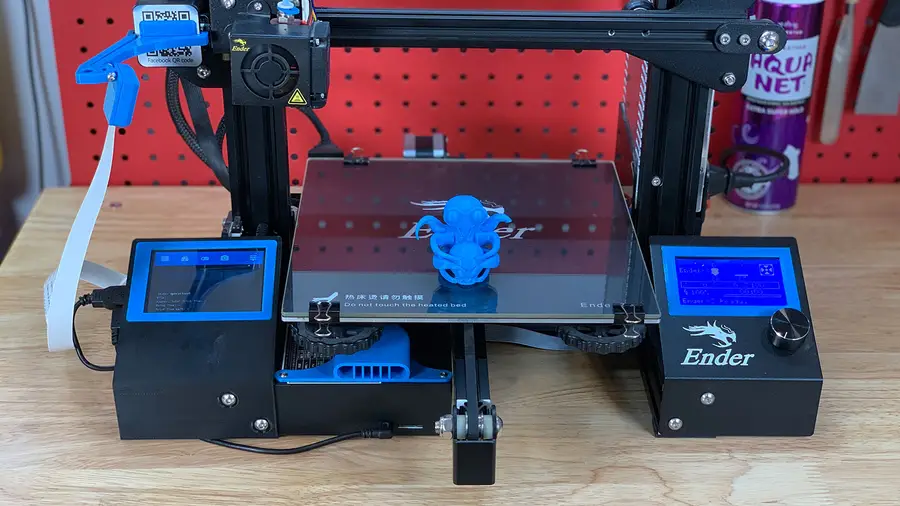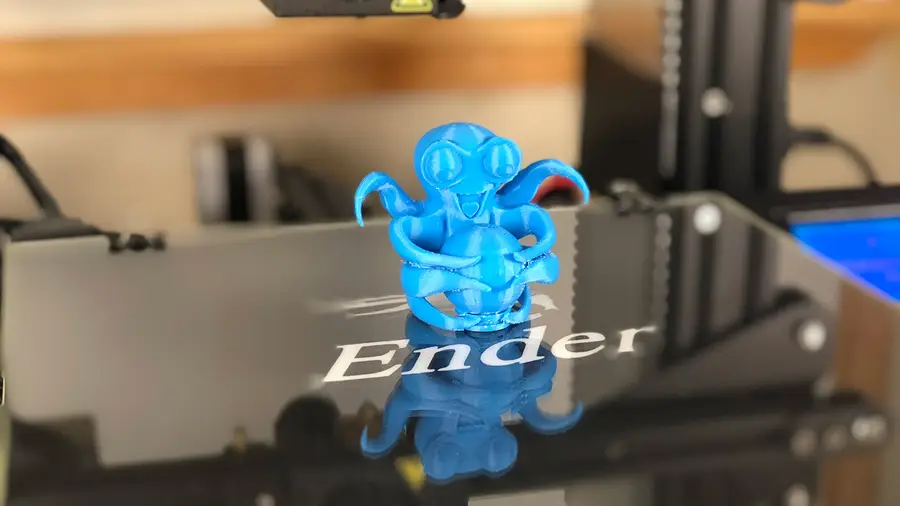
Using Octoprint With The Creality Ender 3 3d Printer
1
Ender 3 OctoPrint settings
setting up OctoPrint
Printer settings
Form factor: Rectangular
Origin: Lower Left
Heated Bed: Yes (checked)
Heated Chamber: No (unchecked)
Width: 220mm
Depth: 220mm
Height: 250mm
Axes: Default**
Custom Bounding Box: No (unchecked)
Nozzle Diameter: 0.4mm
Number of Extruders: 1
Connection settings
Serial Port: /dev/ttyUSB0
Baudrate: AUTO
2
Print the Ender 3 OctoPrint parts
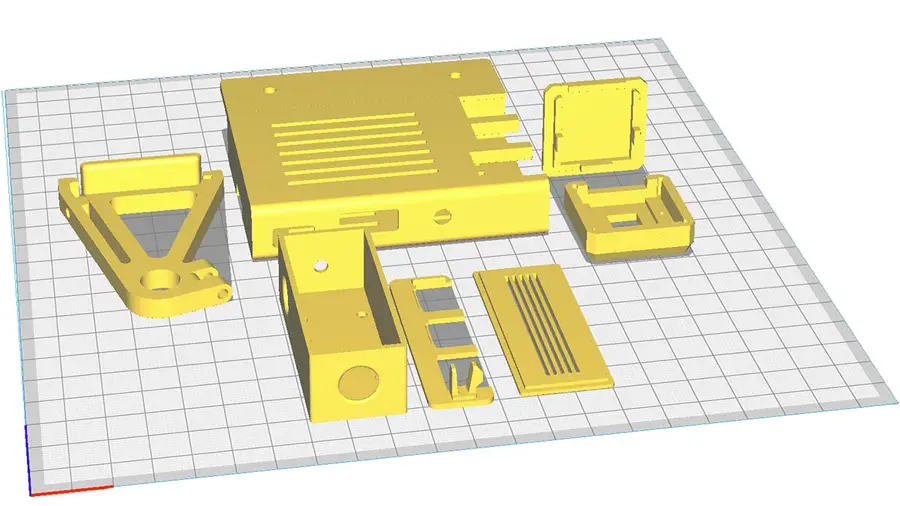
a few componentshave
Ender 3 camera mount
this camera holderEnder 3 Raspberry Pi enclosure
on Thingiverseadding a Raspberry Pi 4 fanHow to Add a Fan to the Raspberry Pi 4 for Proper Cooling (You Need One)Buck converter enclosure
LM2596S buck converter enclosure3
Mount the Raspberry Pi camera
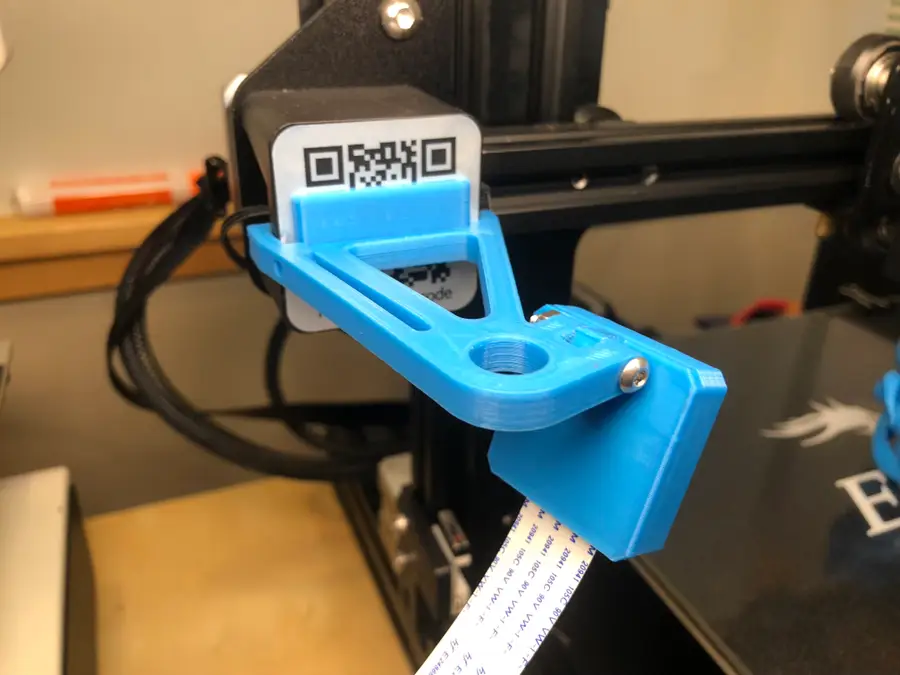
M3 x 20mmconnect the Raspberry Pi ribbon cableHow to Connect a Camera to the Raspberry PiEnder 3 Raspberry Pi camera cable length
How to Choose the Best Camera for OctoPrint (including USB)
4
Put the Pi into its case
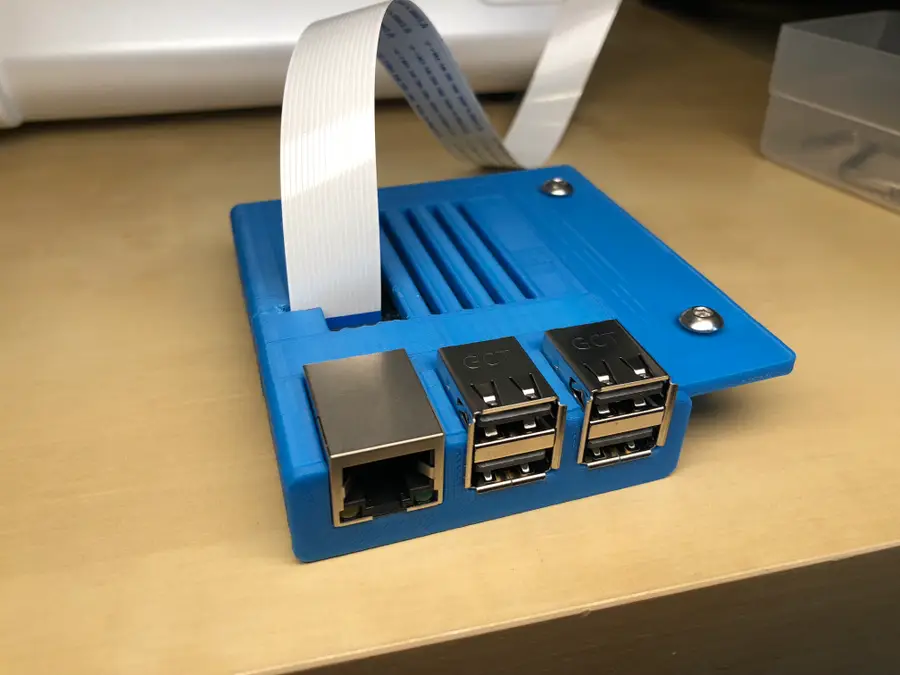
5
Mount the Raspberry Pi
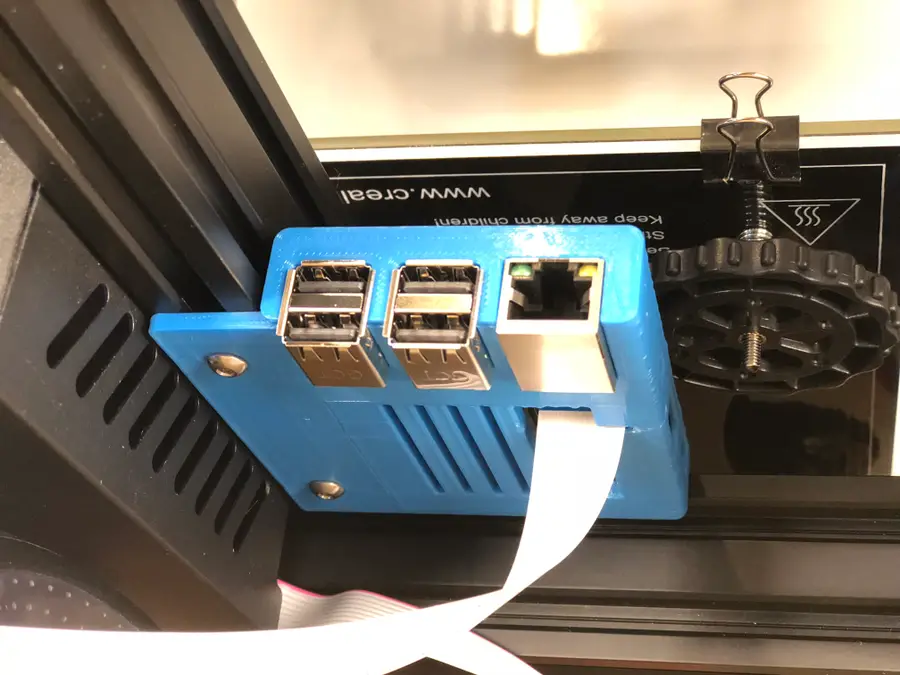
M4 x 8mm6
Power the Pi from the Ender 3
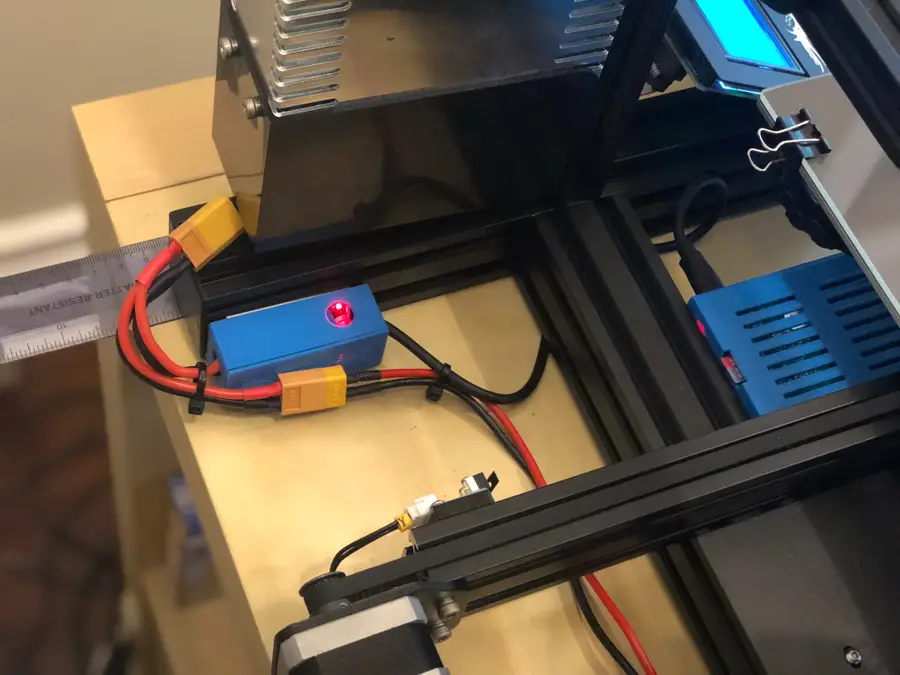
7
Focus the Pi camera
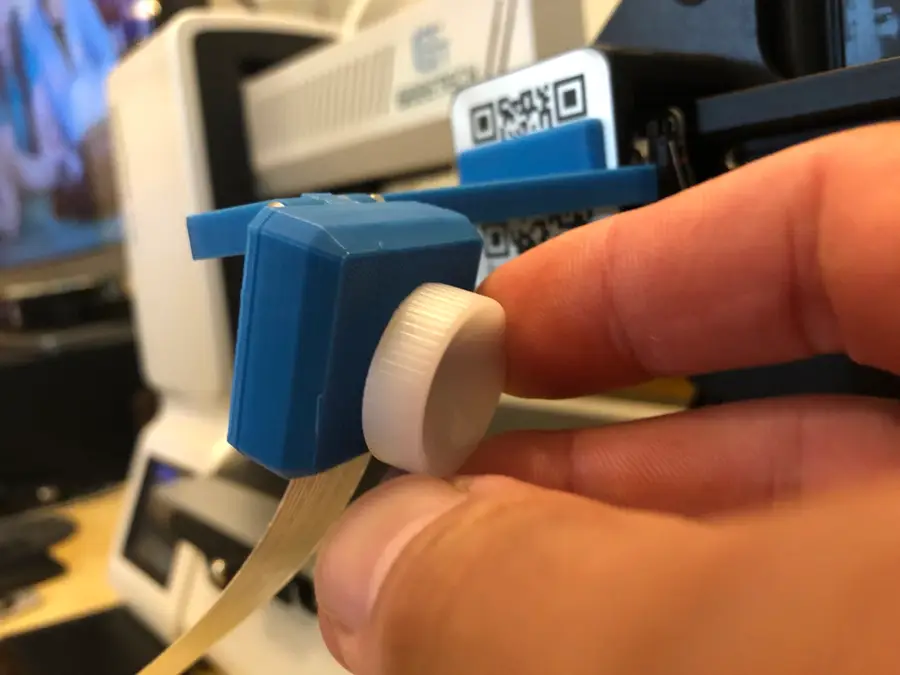
8
Final setup!
9
Recommended: Update Your Firmware