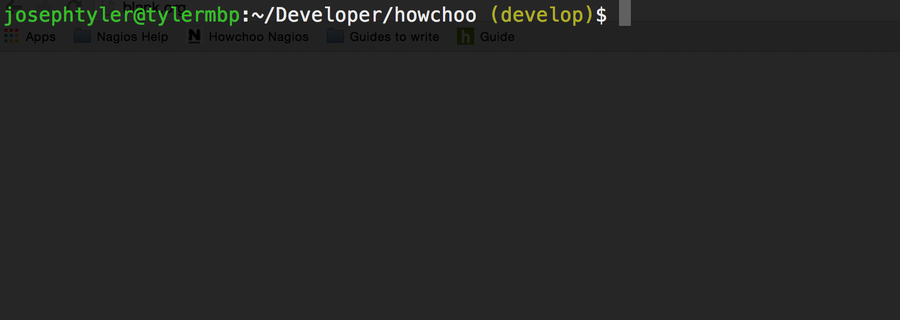
How To Display The Current Git Branch On The Command Prompt
1
Open your .bashrc to edit
The .bashrc file contains many of your bash settings. You can open the file to edit using your command line text editor of choice. The file should be located in your home directory.
vim ~/.bashrc2
Add the following to your .bashrc
function parse_git_branch () {
  git branch 2> /dev/null | sed -e '/^[^*]/d' -e 's/* (.*)/ (1)/'
}
YELLOW="[33[0;33m]"
GREEN="[33[0;32m]"
NO_COLOR="[33[0m]"
PS1="$GREENu@h$NO_COLOR:w$YELLOW$(parse_git_branch)$NO_COLOR$ "
You can add this to the end. Then save and close.
3
Source your .bashrc
If you’re in a folder with an initialized git repo, you can source your bashrc file and see the difference.
source ~/.bashrc