Disable Mac Icon Bounce
1
Open Terminal
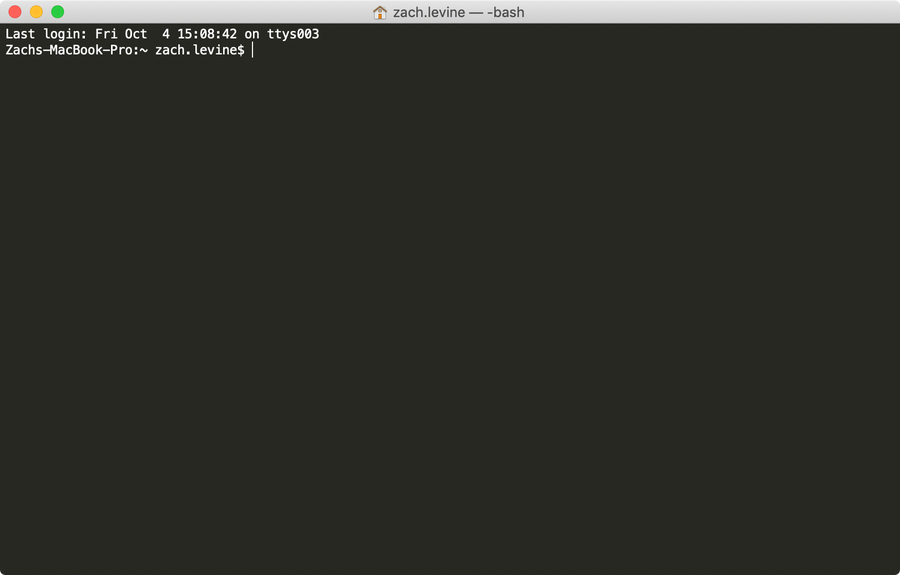
Navigate to Applications > Utilities > Terminal and open a new Terminal window.
2
Disable icon bounce
Run the following command to disable MacOS icon bouncing behavior:
defaults write com.apple.dock no-bouncing -bool TRUEThen, run the following command to reload the Dock with the new behavior:
killall Dock3
Re-enable icon bounce
To revert this behavior and enable bouncing behavior once more, run:
defaults write com.apple.dock no-bouncing -bool FALSE
killall Dock