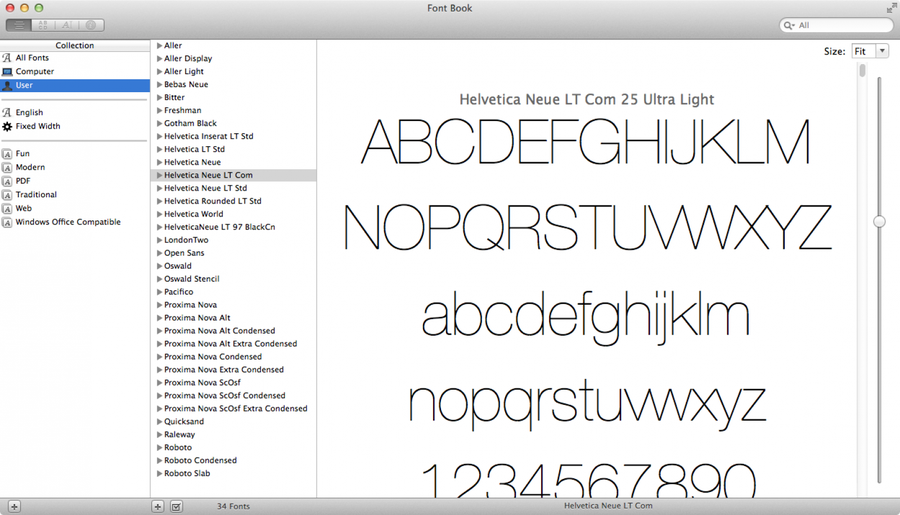
Install Multiple Fonts At Once In Mac Os X
1
Locate your fonts in Finder
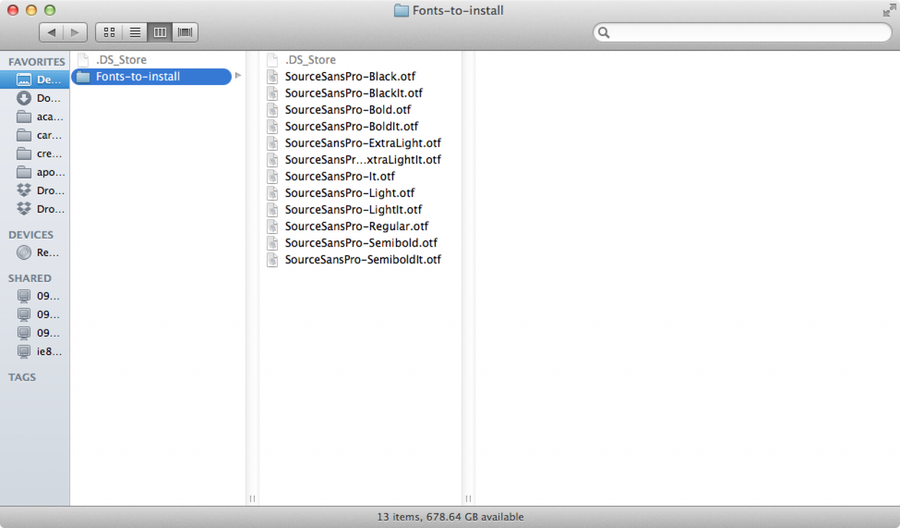
Open a new Finder window and locate the fonts you’d like to install.
2
Open Font Book
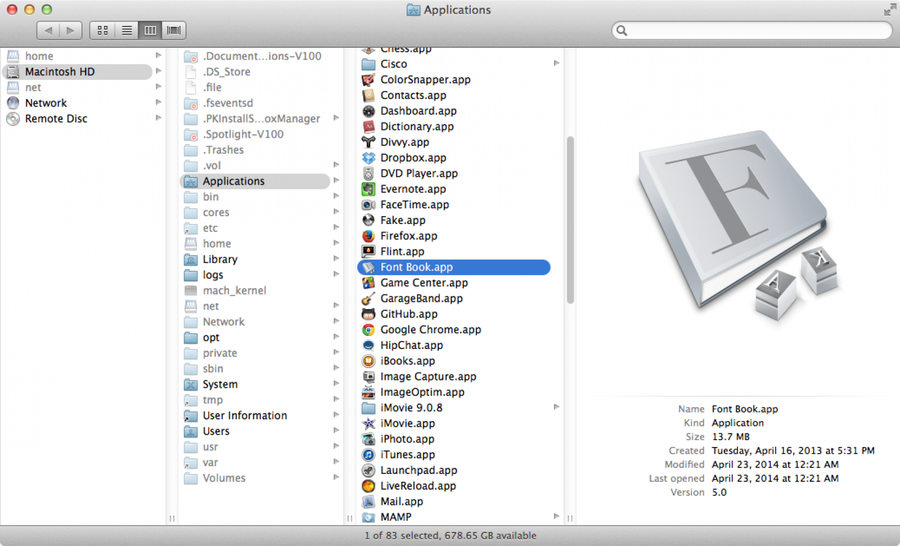
Navigate to Applications > Font Book (or open it using Spotlight).
3
Batch install the fonts
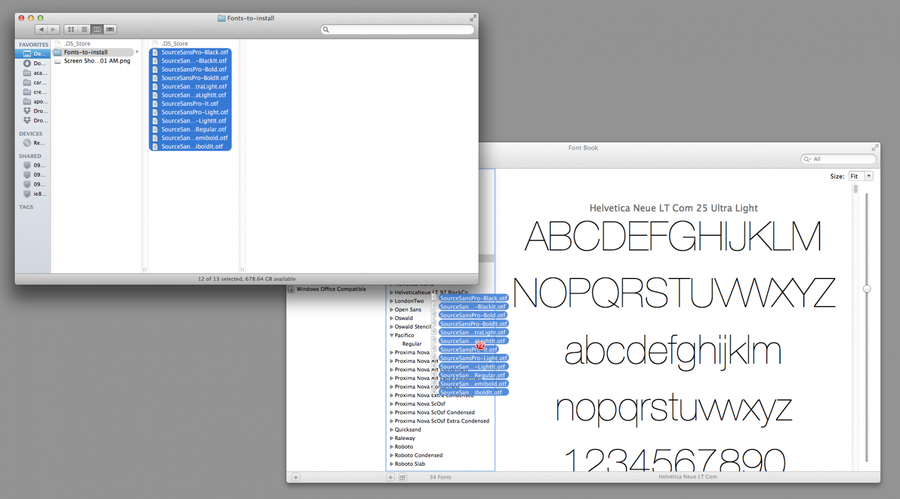
In Finder, highlight all the fonts you’d like to install and drag them into the Font Book window. You’re done!