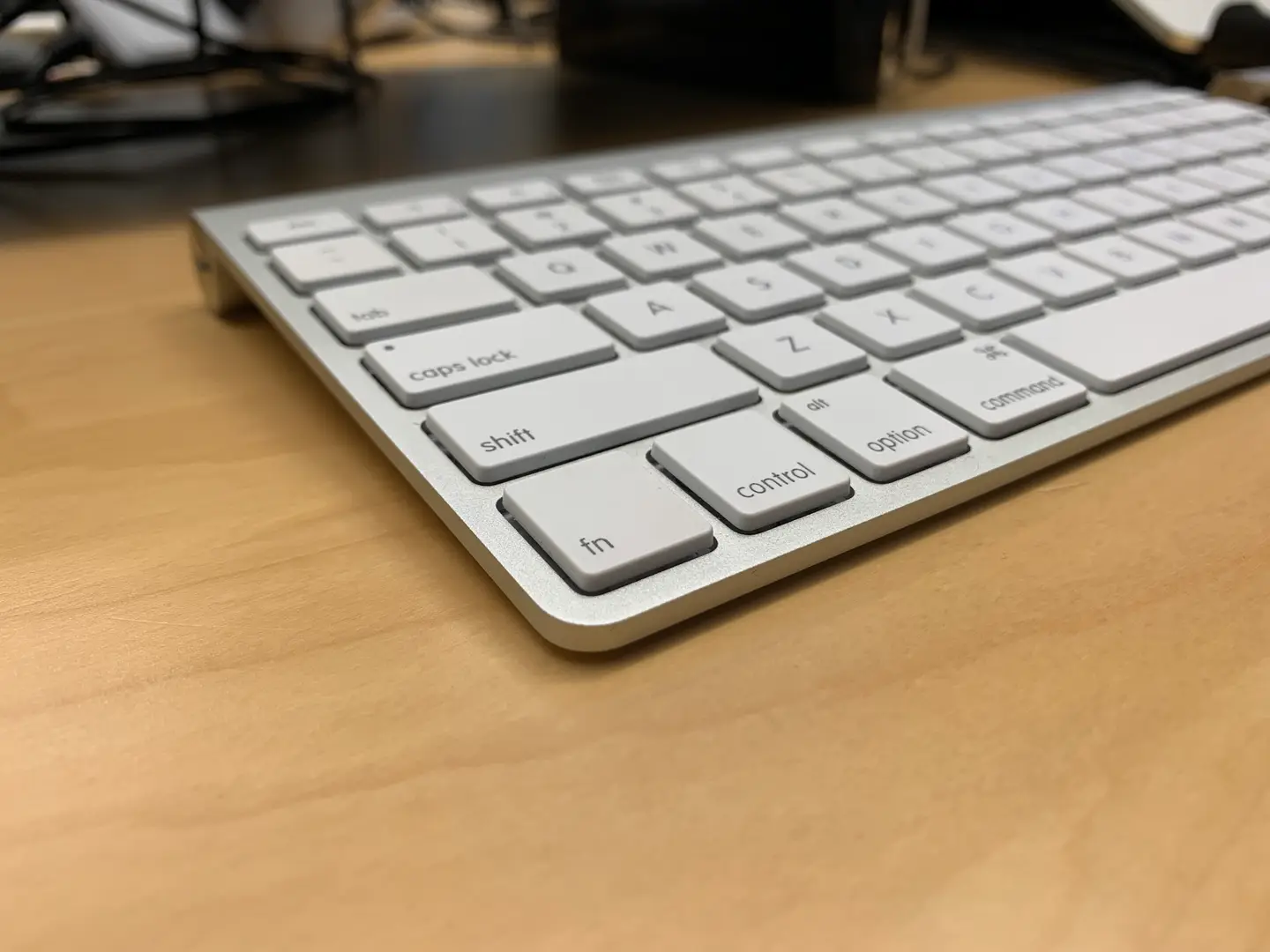
Mac Remap Fn To Ctrl
1
Open Keyboard settings in System Preferences
Navigate to System Preferences > Keyboard Settings to open the Keyboard Settings pane.
2
Adjust Modifier Keys
Click the Modifier Keys button and select the keyboard you’d like to configure
It’s possible to convert the fn key to ctrl for your external keyboard, Macbook keyboard, or both!
3
Remap the function key to control
To remap the fn key to ctrl in macOS, change the Function (fn) Key: dropdown to ⌃ Control. Then, press OK.
To change additional keyboards, simply select the additional keyboard from the Select keyboard: dropdown and repeat this step.
You’re all done!