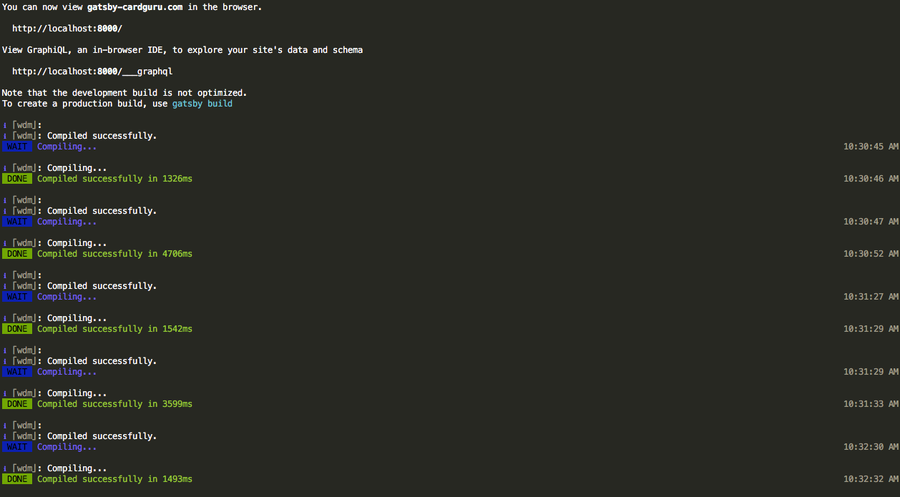
Using The Monokai Theme In Terminal Os X
1
Download monokai.terminal
Download Stephen Way’s monokai.terminal port from the project’s Github page. Unzip the file.
2
Install monokai.terminal
Double-click Monokai.terminal to open it. This will automatically install the color scheme into Terminal.
3
Allow installation from unidentified developers
You may see a message similar to this:
“Monokai.terminal” can’t be opened because it is from an unidentified developerIf you see this message, navigate to System Preferences > Security & Privacy > General and ensure that the App store and identified developers option is checked.
Then, click “Open Anyway”.
4
Make Monokai your default Terminal color scheme
With Terminal open, navigate to Terminal > Preferences. Select the Profiles tab (MacOS) or Settings tab (OS X) and then click Monokai in the side pane. Finally, click the Default button.
You’re all done!