Disable Double Space Bar Period Dot Macos
1
Open System Preferences
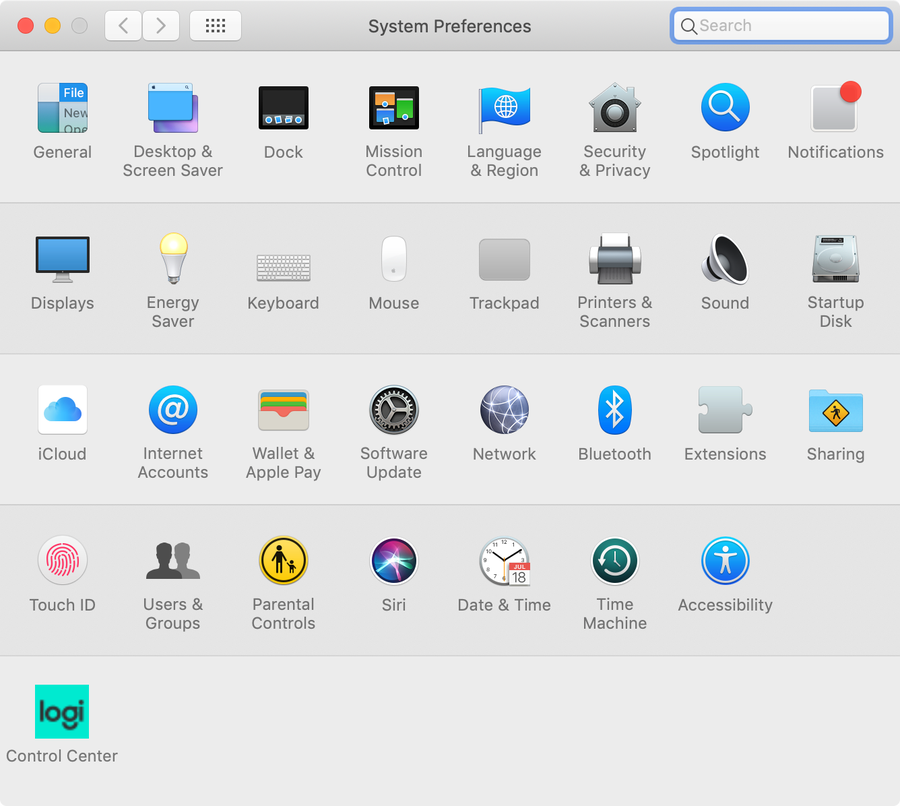
In the menu bar, Navigate to Apple Icon > System Preferences.
2
Access Keyboard Settings
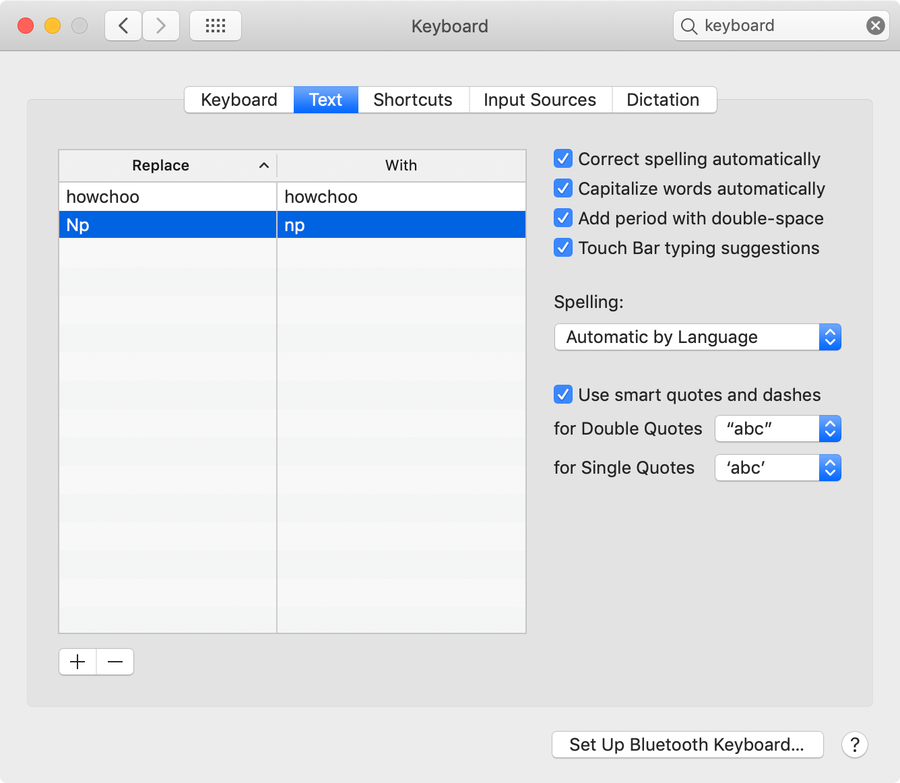
Select the Keyboard menu item to access Keyboard Settings and then select the Text tab.
3
Disable the macOS double-space period
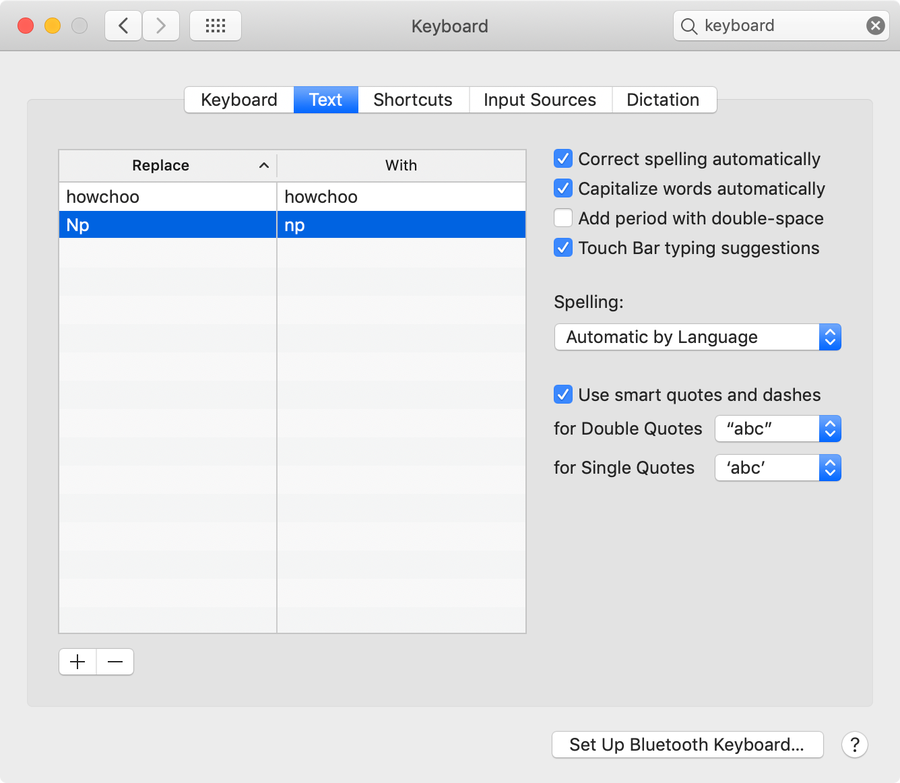
Uncheck Add period with double-space. Then, close System Preferences.
You’re all done!
Speaking of ways to optimize your workflow, did you know you can also minimize applications in macOS by double-clicking the menu bar? Check out our guide to see how it’s done.