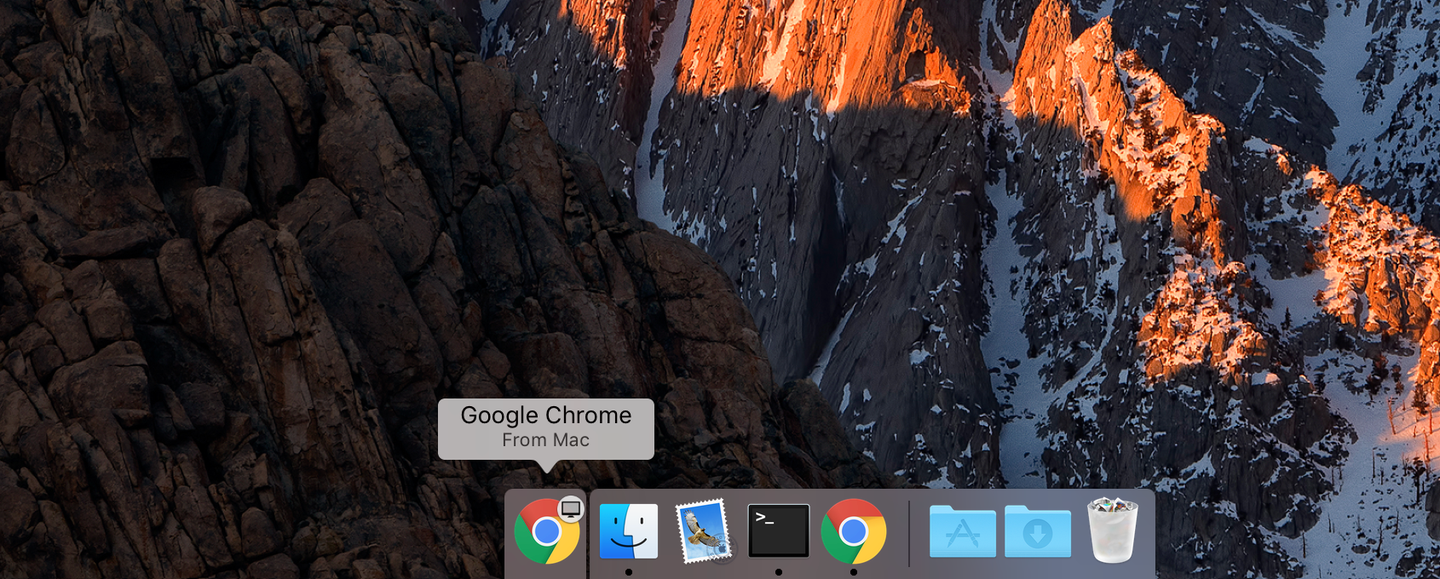
How To Disable Chrome Tab Sharing Handoff In Macos
1
Open System Preferences
Click the Apple icon in the top left of your screen and select System Preferences.
2
Go to General
Click General to access the General Preferences pane.
3
Uncheck the tab sharing option
Uncheck the Allow Handoff between this Mac and your iCloud devices option. You’re all done!