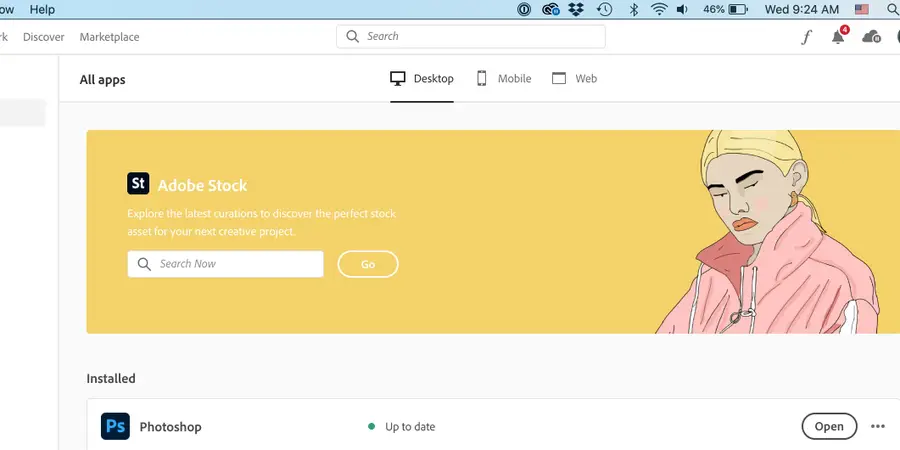
Remove Adobe Creative Cloud From The Menu Bar Mac
1
Click the Creative Cloud icon in the menu bar
Clicking the Creative Cloud icon will open Creative Cloud. (Yes, unfortunately, you have to do this.)
2
Quit Creative Cloud
You have two ways to quit Adobe Creative Cloud:
Press Cmd + Q.
or
Go to “Creative Cloud” > Quit Creative Cloud.
Now you should no longer see the Adobe CC icon in your menu bar.