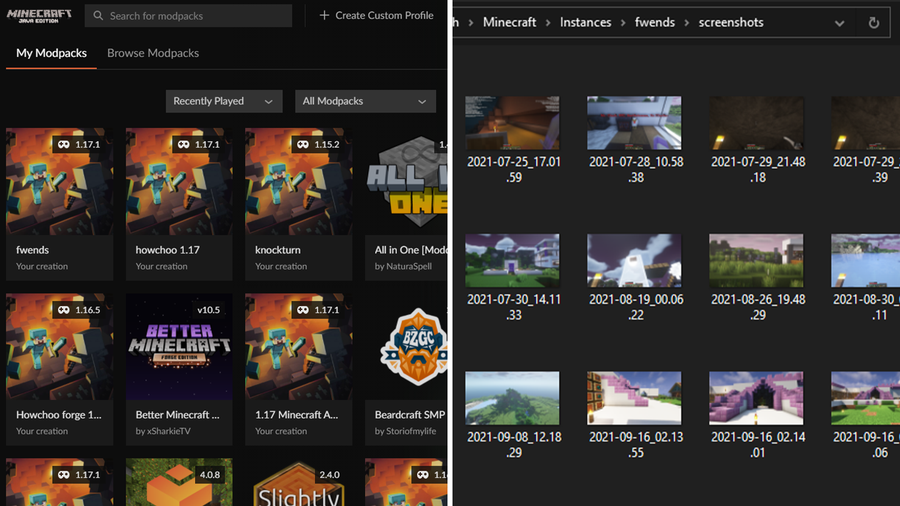
Find Minecraft Screenshots Curseforge
1
Open CurseForge
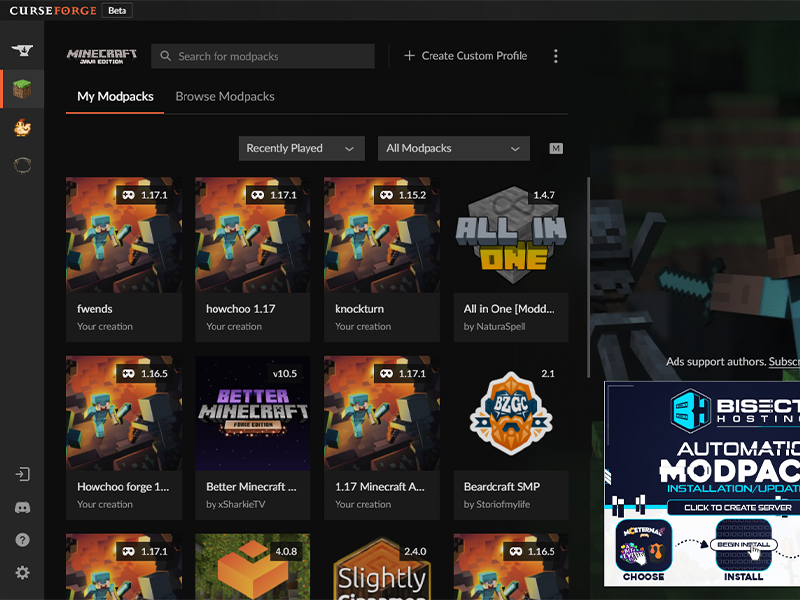
If you’re playing through CurseForge, that’s where your screenshots will be saved through. Open CurseForge then move to the next step.
2
Open the Profile
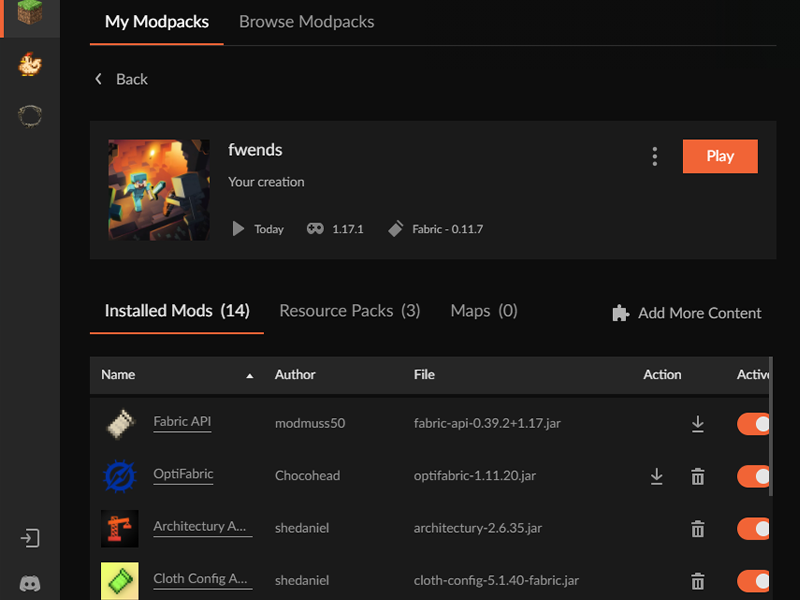
Click into the profile or modpack that the world was played in.
3
Open the Instance’s Folder
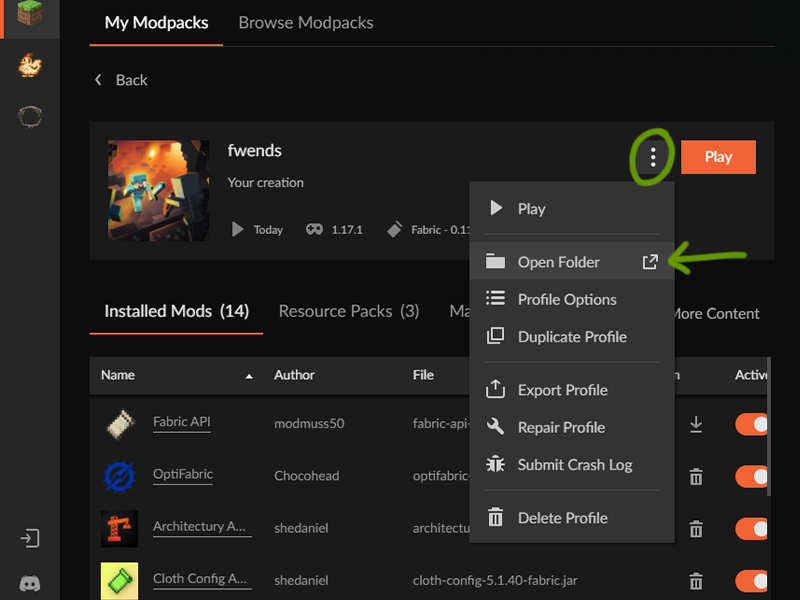
Click the ... button to the left of the Play button. In the drop-down menu, click Open Folder.
4
Navigate to the Screenshots Folder
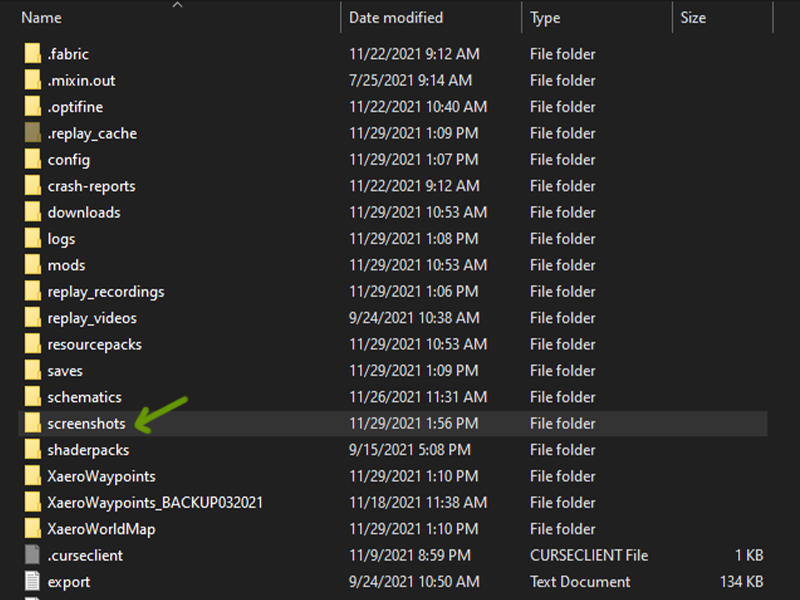
A window will open that shows all the files in the instance you played. Find the Screenshots folder and double click to open it. Within are all the screenshots you made in your worlds!