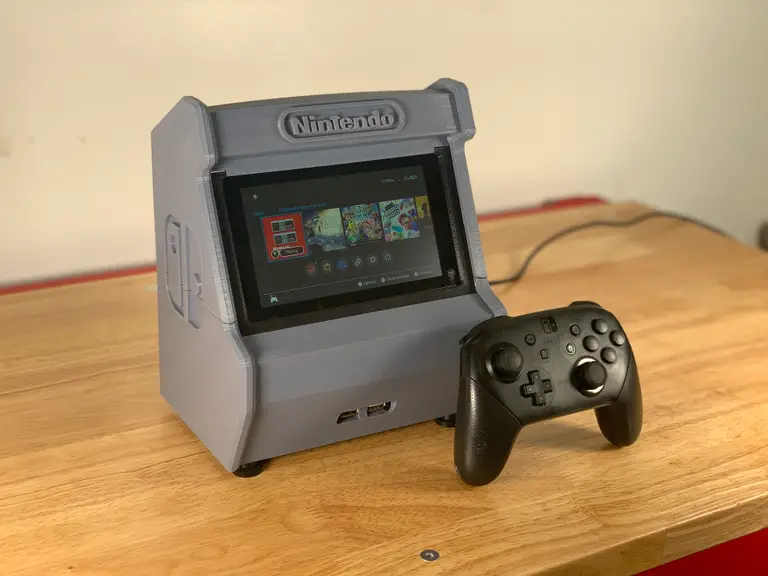
3d Printed Nintendo Switch Arcade Cabinet
1
The completed project
2
And the back
3
The completed electronics
These electronics are optional. 🙂
- Just 3D print it and drop your Switch in place.
- Add some electronics that will charge your Switch while you play and allow you to connect USB controllers.
4
Inserting the switch
5
Printing the parts
The models
on Thingiverse- Top
- Simple Bottom and Front
- Simple Cradle
- Simple Back
- Left Side
- Right Side
- Filler
- The fan shroud
6
Don’t have a 3D printer?
No problem.
Use an online 3D printing service
SculpteoFind your local hackerspace/makerspace
using this toolAsk a friend
Check your local library
Check Craigslist
Buy a 3D printer
on GearBestEnder 3 reviewCreality Ender 3 Review: The Best 3D Printer Under $2007
Assembling the cabinet
Do not glue the top into place!
8
Powering everything
powered
9
Adding a fan for cooling
10
Ready player two!
11
All done
the build video