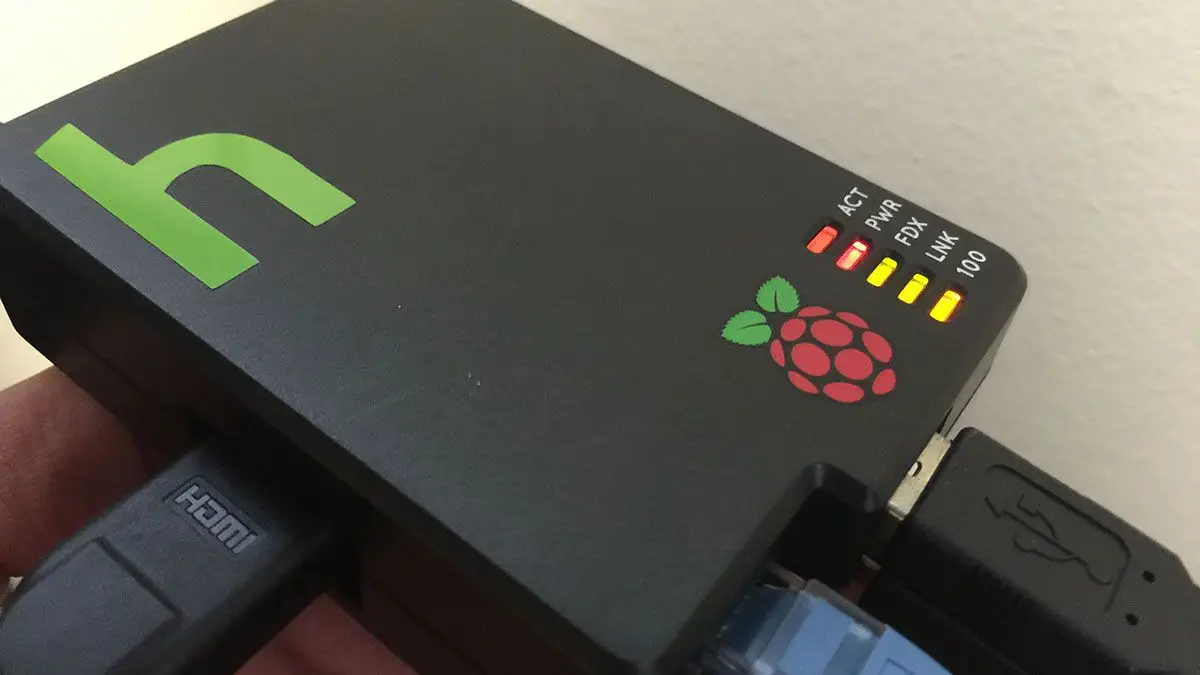
Dont Pull The Plug How To Shut Down Or Restart Your Raspberry Pi Properly
1
Shutdown command
sudo haltThis is shorthand for the following:
sudo shutdown -h nowAn explanation:
sudo - run the command as superuser
shutdown - shut down the pi
-h - halt after shutting down (do not reboot)
now - do this now (required time command)
2
Reboot command
sudo rebootThis is shorthand for the following:
sudo shutdown -r nowAn explanation:
sudo - run the command as superuser
shutdown - shut down the pi
-r - reboot the pi after shutting down
now - do this now (required time command)
3
Using a power button
You can also safely shut down the Pi by adding a Pi power button!
How to Add a Power Button to Your Raspberry Pi
Because you should always safely shut down your Pi.