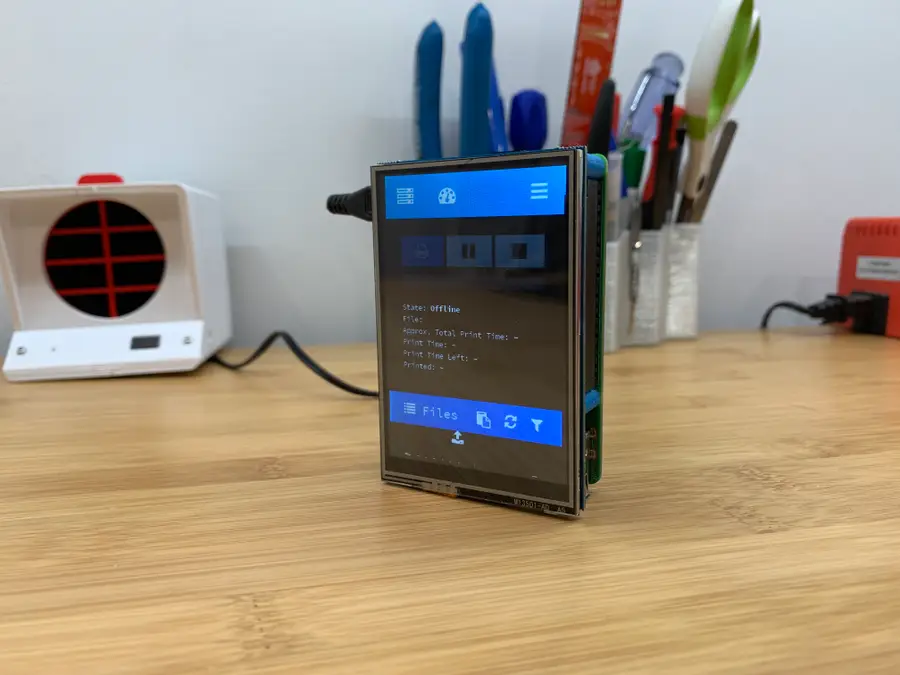
Raspberry Pi Display Rotation
Edit boot/config.txt
There are two methods for editing the boot/config.txt file required to change screen rotation:
SD card method
Put your Pi’s SD card in your computer and open the /boot/config.txt file in a plain-text editor such as Notepad or Sublime Text.
Connect remotely
From your computer, open Terminal (Mac) or Command Prompt (Windows) and connect to your Raspberry Pi via SSH.
How to Connect to a Raspberry Pi Remotely via SSH
The preferred (and most common) method of connecting to your Pi to run commands.
Then, run the following command to edit the file:
sudo nano /boot/config.txtRotate the Raspberry Pi display
If you’re using a touchscreen, skip this step.
If you have a value for dtoverlay that contains the rotate=90 command, change that value to your desired rotation:
dtoverlay=pitft35-resistive,rotate=90,speed=20000000,fps=20Note: The dtoverlay value likely won’t be the same as the lcd_rotate value. For example, the default “normal” screen rotation would be rotate=90, lcd_rotate=0. Therefore, you may need to test multiple configurations.
If you have no dtoverlay “rotate” value, insert one of the following values instead:
display_rotate=0 # Normal (landscape)
display_rotate=1 # 90 degrees (portrait, upside down)
display_rotate=2 # 180 degrees (landscape)
display_rotate=3 # 270 degrees (portrait, upside down)
display_rotate=0x10000 # horizontal flip
display_rotate=0x20000 # vertical flipRotate the Raspberry Pi touchscreen
If you’re using a touchscreen, you’ll also need to adjust touchscreen rotation. Otherwise, your taps will all be on the wrong part of the screen! This will adjust both display and touchscreen rotation.
Insert one of the following values at the end of the file:
lcd_rotate=0 # default (normal landscape)
lcd_rotate=1 # 90 degrees (portrait, upside down)
lcd_rotate=2 # 180 degrees (landscape)
lcd_rotate=3 # 270 degrees (portrait, upside down)Restart your Pi
Restart your Pi for things to take effect:
sudo reboot