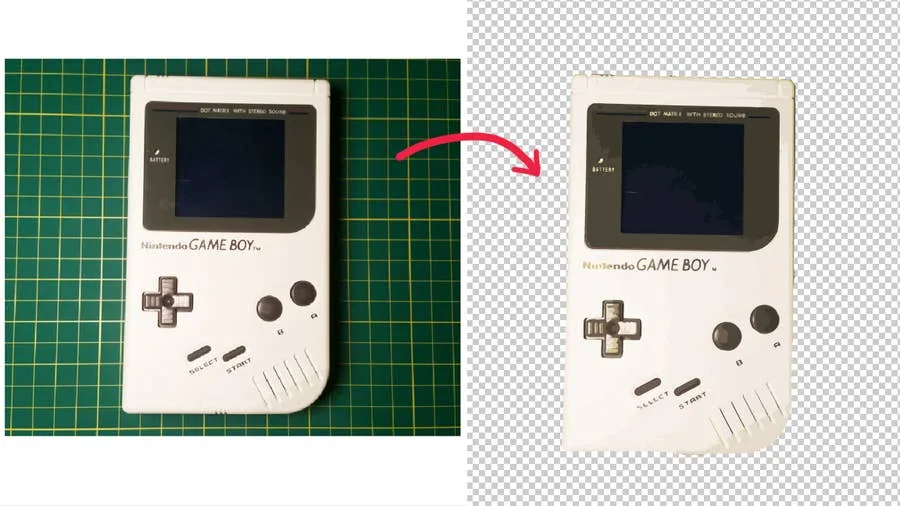
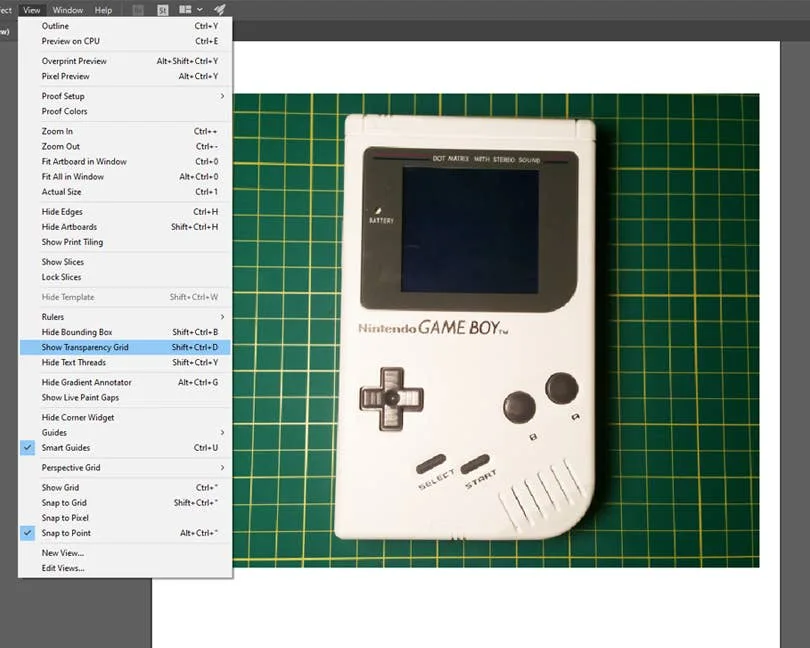
Home›Interests›TechnologyHow to Remove a Background in IllustratorBy admin · July 25, 20251Enable transparencyWindowFile TraceViewShow Transparency GridShiftCtrl/CommandD2Select the backgroundObjectExpand3Delete the backgroundDelete4Alternative method: us a clipping maskhow to use a Clipping MaskHow to Make a Clipping Mask in Illustrator