
Stop Chrome From Automatically Redirecting Https
1
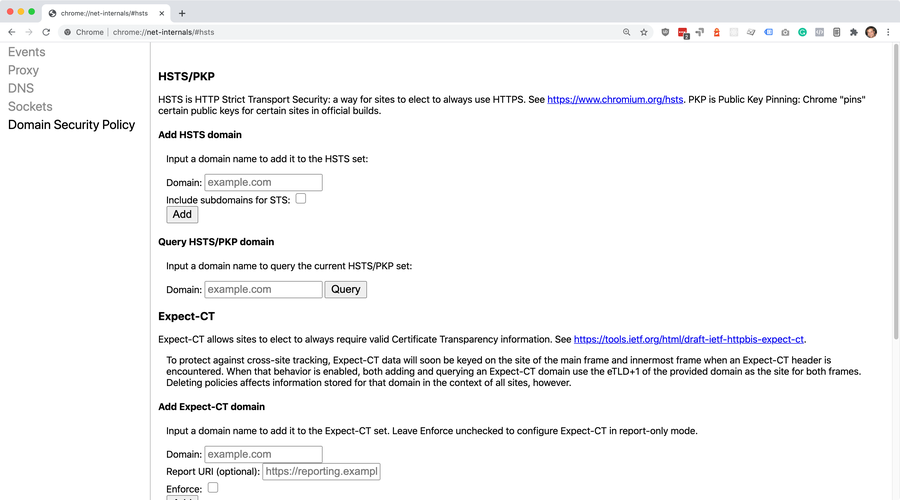
Open HSTS settings in net-internals in Chrome
2
Delete domain security policies for the domain
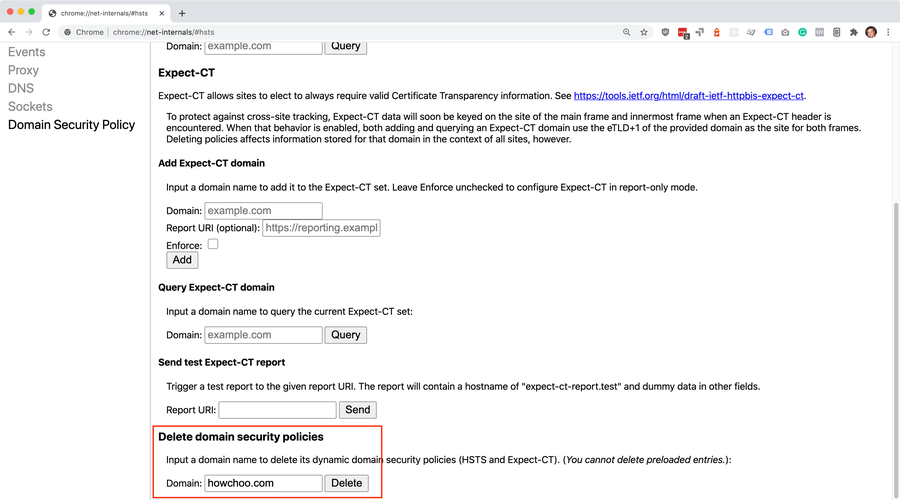
root domain
howchoo.comhttpsDelete3
Visit the website to test
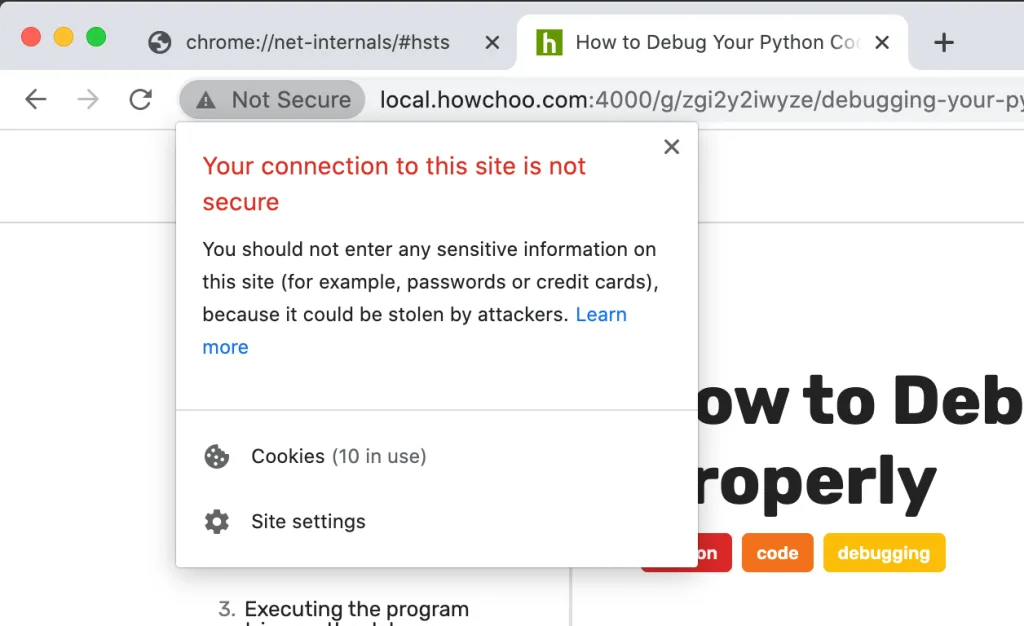
httpStill getting redirected?
Chrome > Settings > Privacy and securitychrome://settings/privacyclear your browsing dataHow to Clear Your Browser Cache for Any Browser
View > Developer > Developer Tools > Application > Clear storageClear site data